 Budget Buddy
Log it ina few taps
Type the amount and pick a category, and you see what is left in that budget before you save. Scan the bill, keep the receipt with it, and let the payments that repeat add themselves.
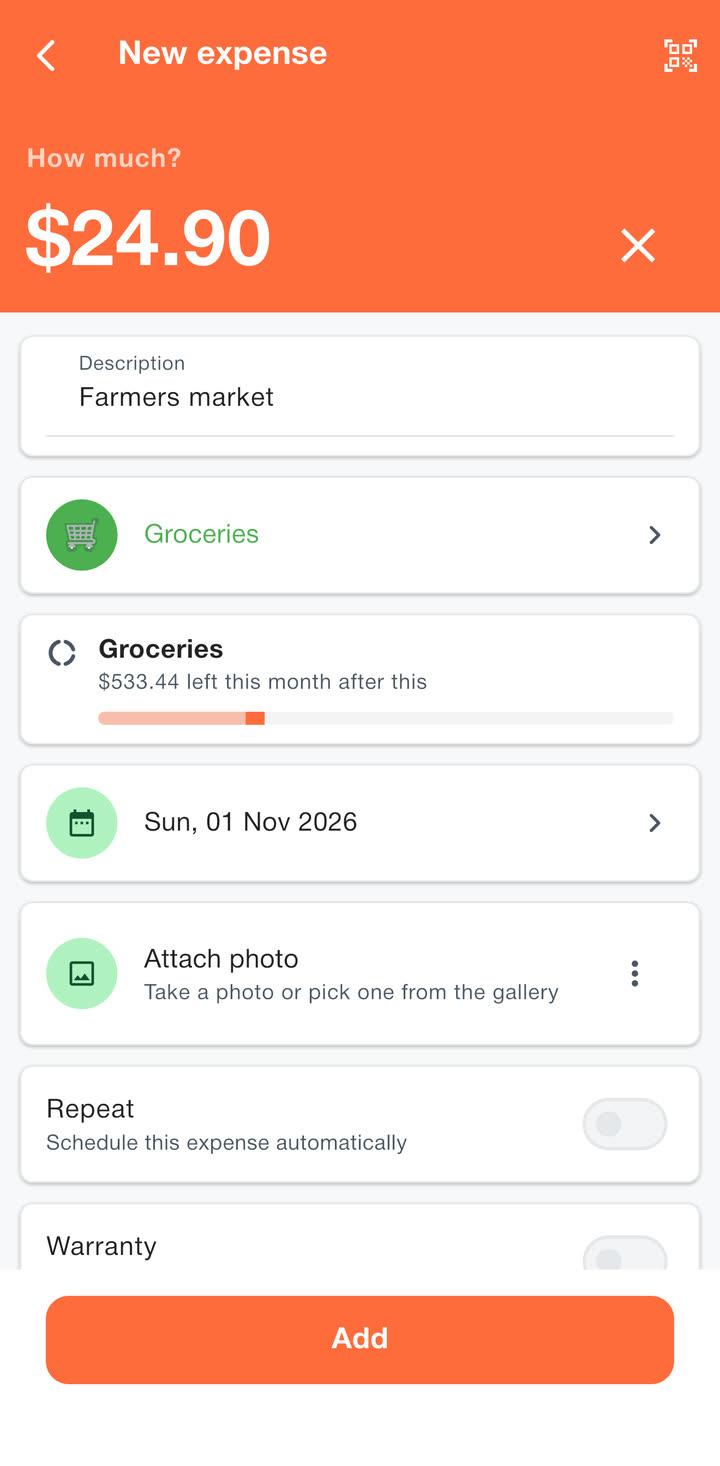
A keypad for money
Tap plus, type the amount, pick a category and you are done. A note and a date are there when you want them.
- Spending and income each get their own categories.
- With a budget on the category, you see what will be left this month once the purchase is in.
- Change or delete any entry later.




Scan the bill Premium
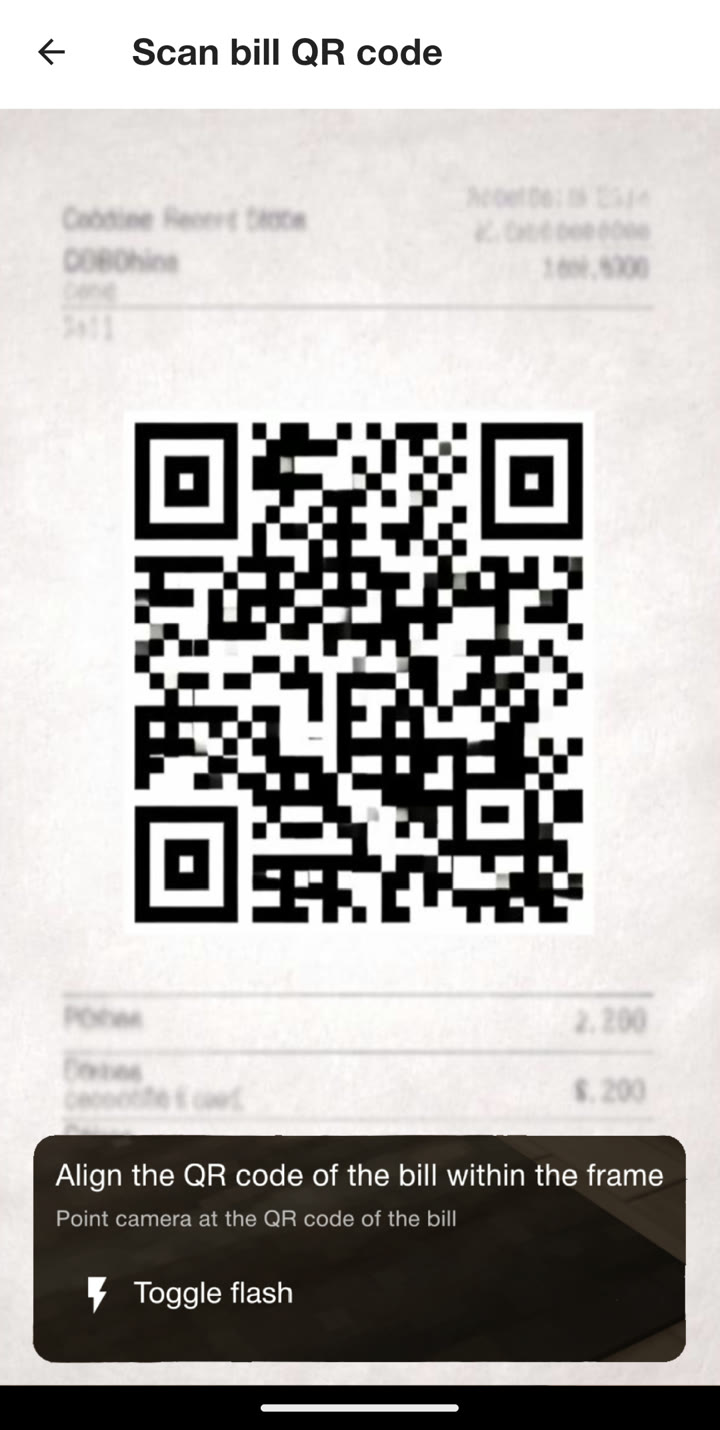
Point the camera at the payment QR code on a bill and the amount and payee fill themselves in.
The app remembers which category each payee belongs to, so next month’s bill lands in the right place on its own.
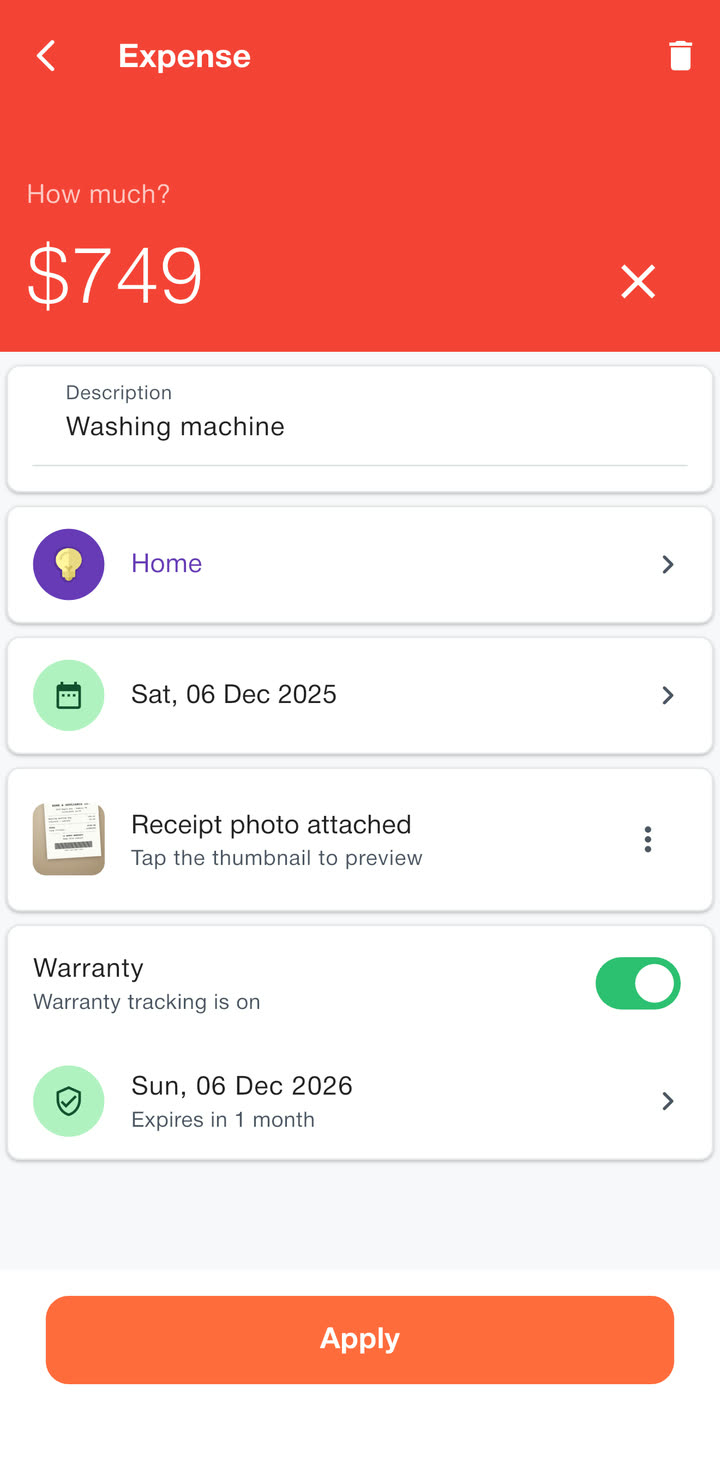
Keep the receipt with it
Snap the receipt or pick a photo, and it stays with the purchase. Add the date the warranty ends and the app reminds you before it runs out.
What repeats, adds itself
Rent, salary and subscriptions come round every month. Log them once.
Recurring entries Premium
Set a payment to repeat weekly, monthly or yearly and it adds itself on the day.
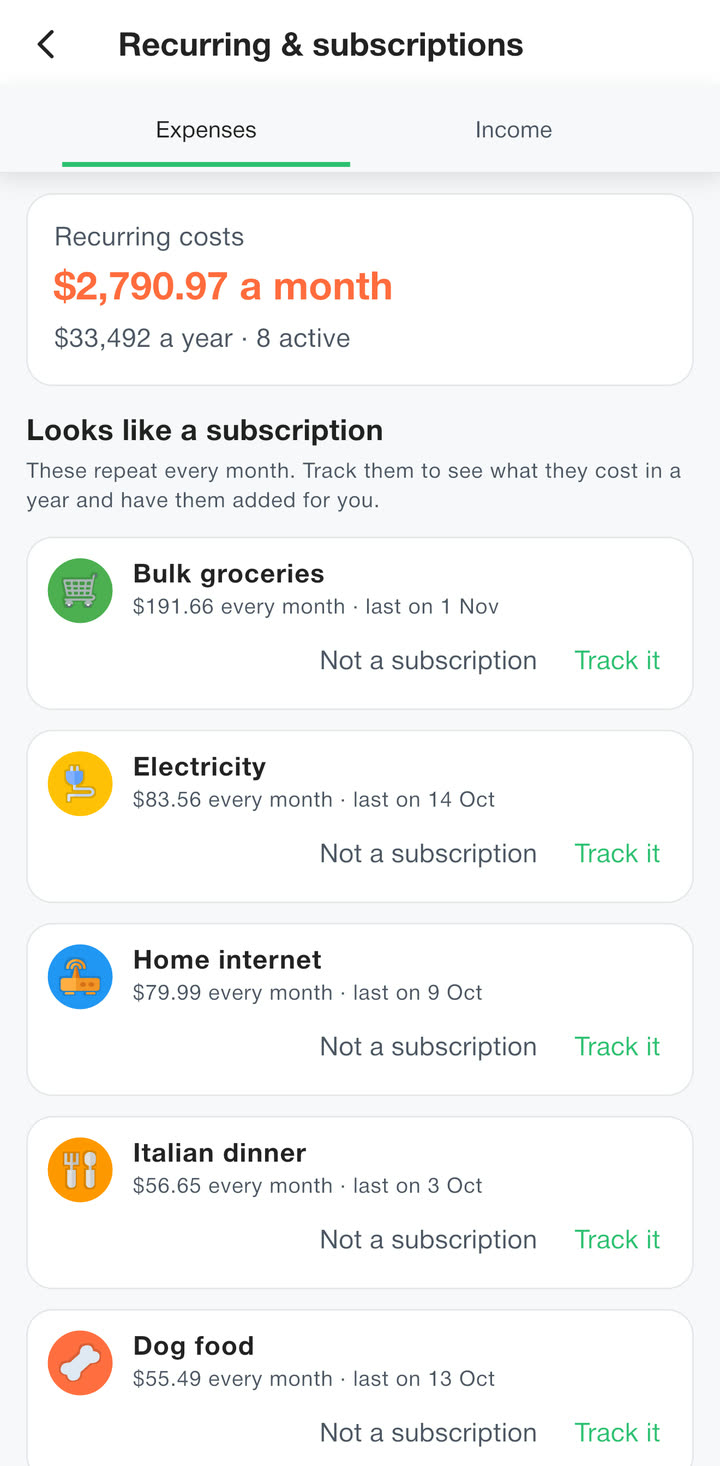
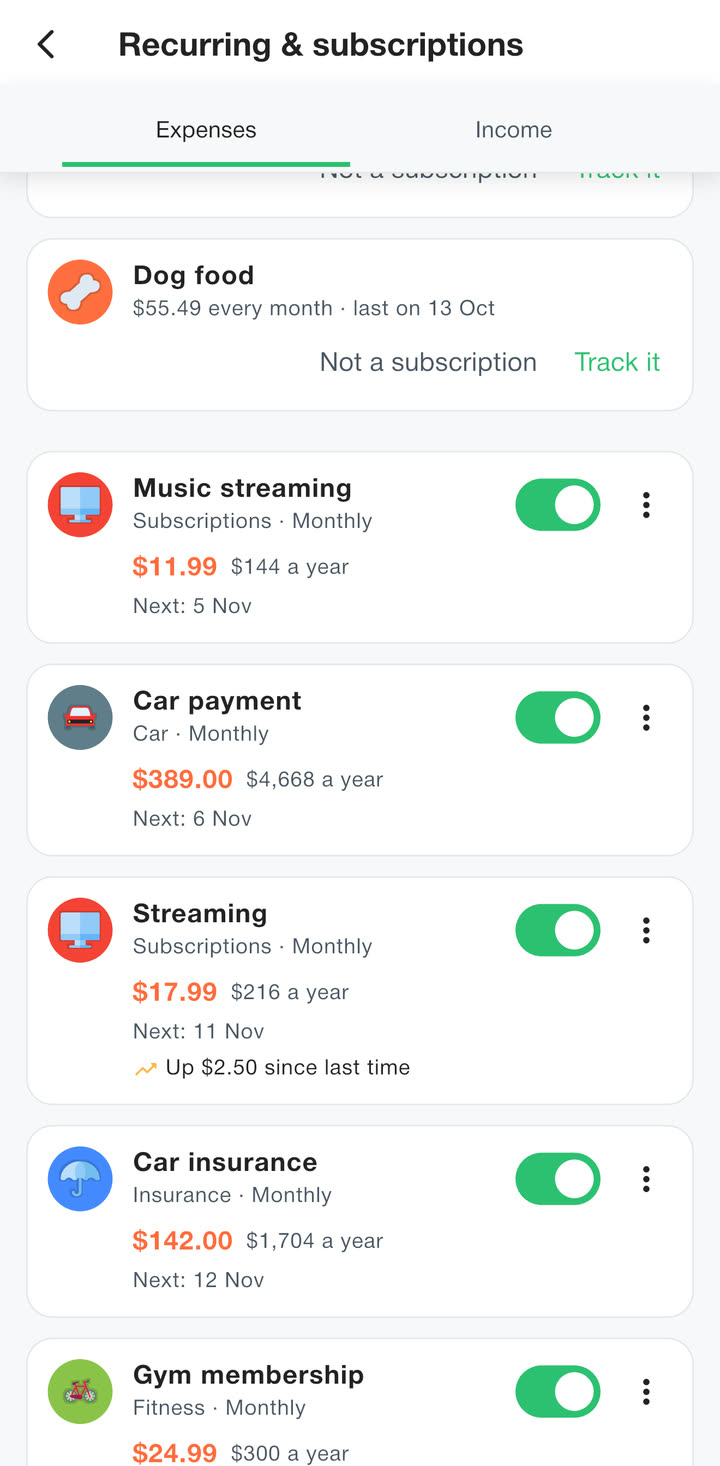
Subscriptions in one place
See what everything that repeats costs you a month and a year. The app also spots payments that come back every month and asks whether to track them.
Price rises
When a subscription charges more than last time, the list says so, like “Up $2.50 since last time” on Streaming. A reminder arrives the day before each payment.
Category reminders
Forget to log the groceries? Ask for a reminder and the app nudges you.
Categories that look like yours
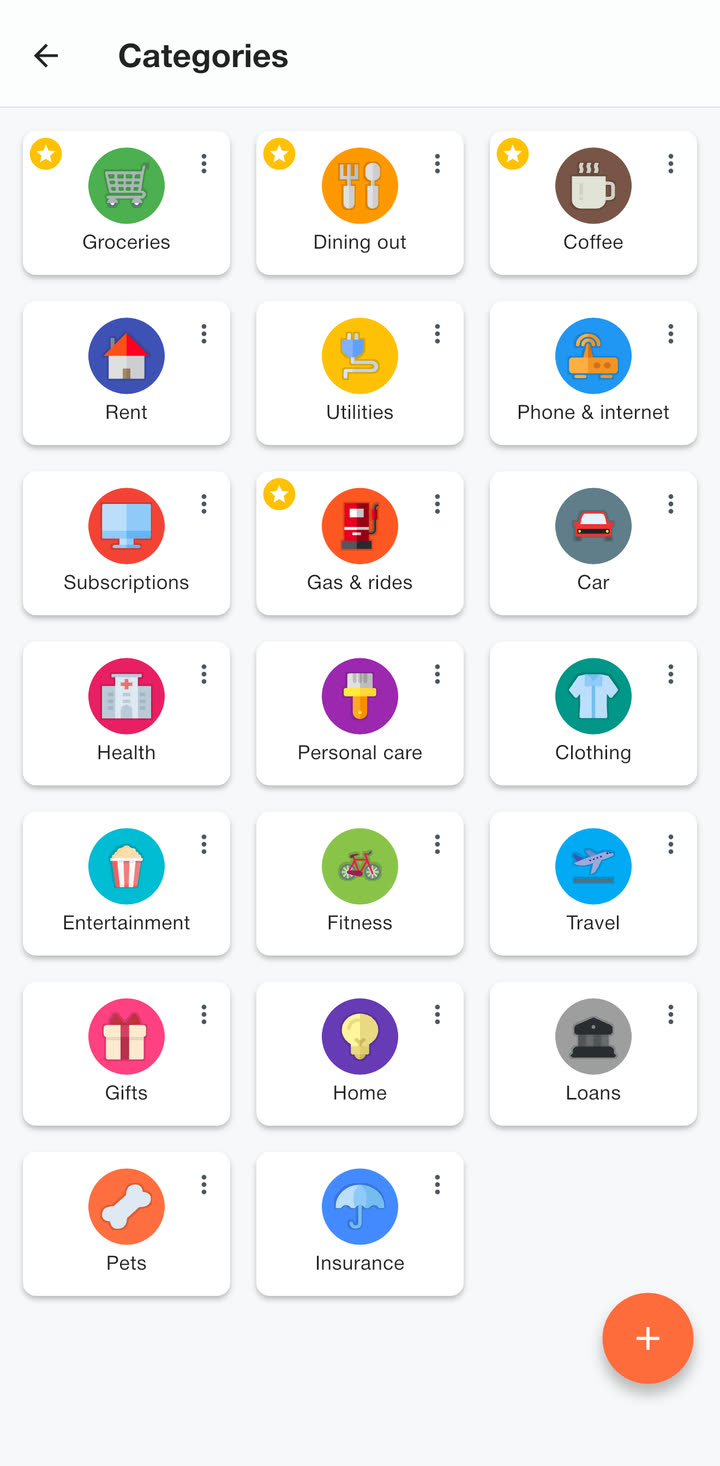
Start with the ready-made ones, or make your own with the colour and icon you want.
Search, filter by category and group by month to find any purchase. Save the searches you use often and pin them to your home screen.
More than one pot of money
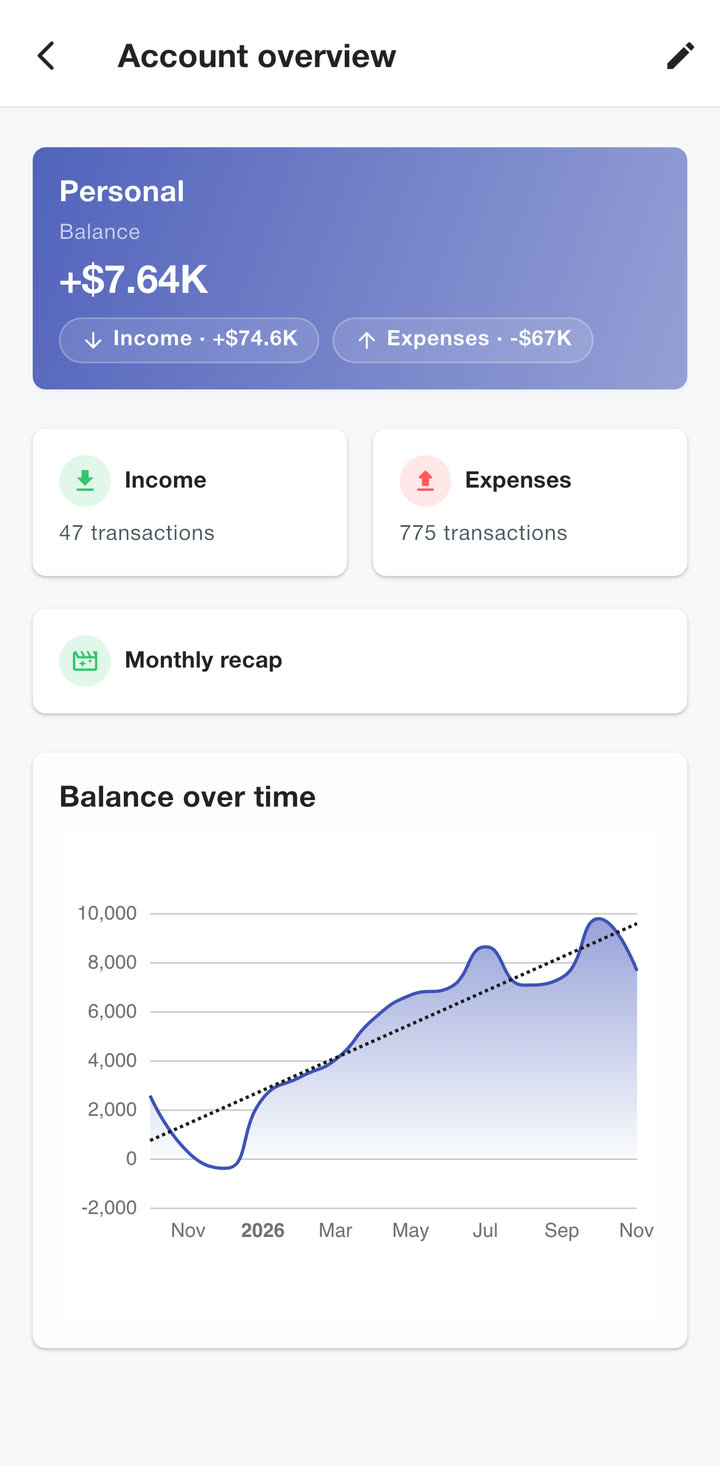
Keep personal, shared, business and savings money apart, each with its own balance and budgets.
Moving from another app or a spreadsheet? Import a CSV file and check it before anything is saved.
In your language and currency
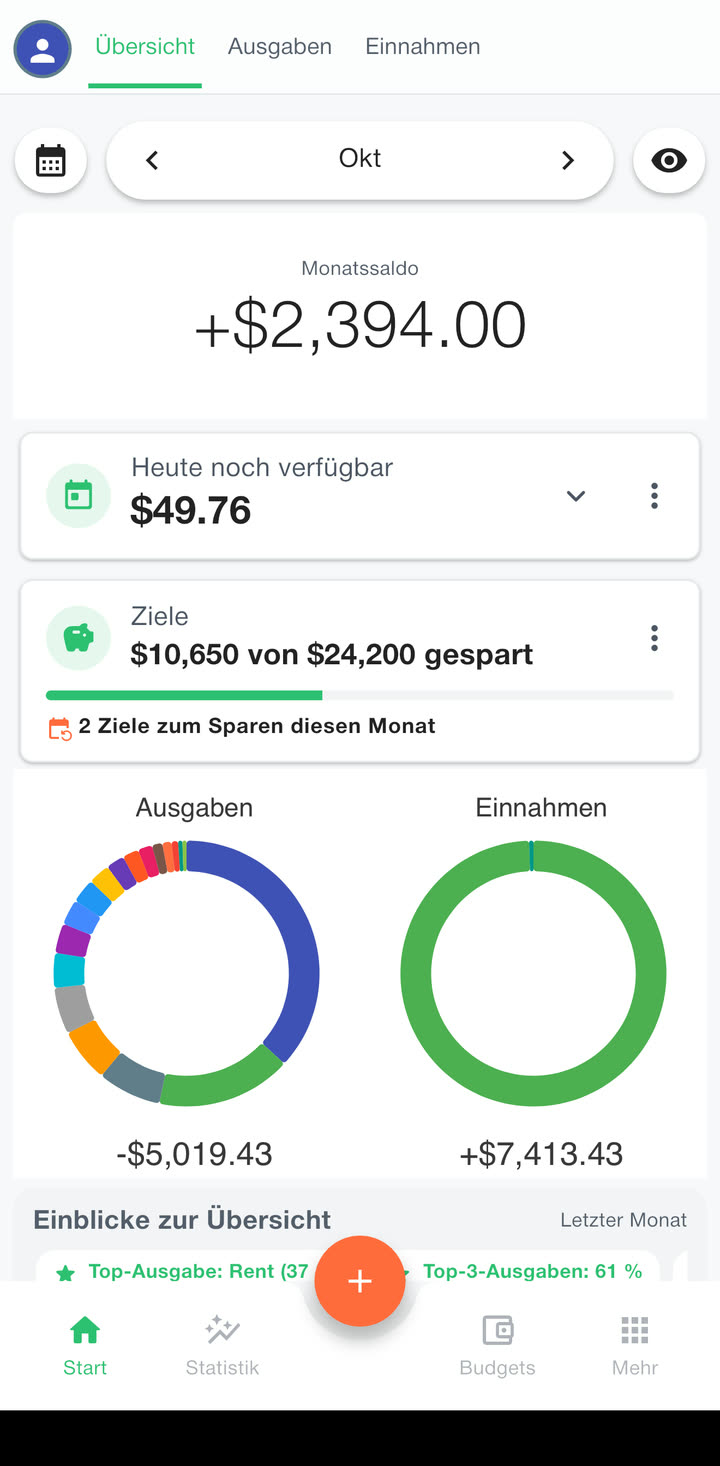
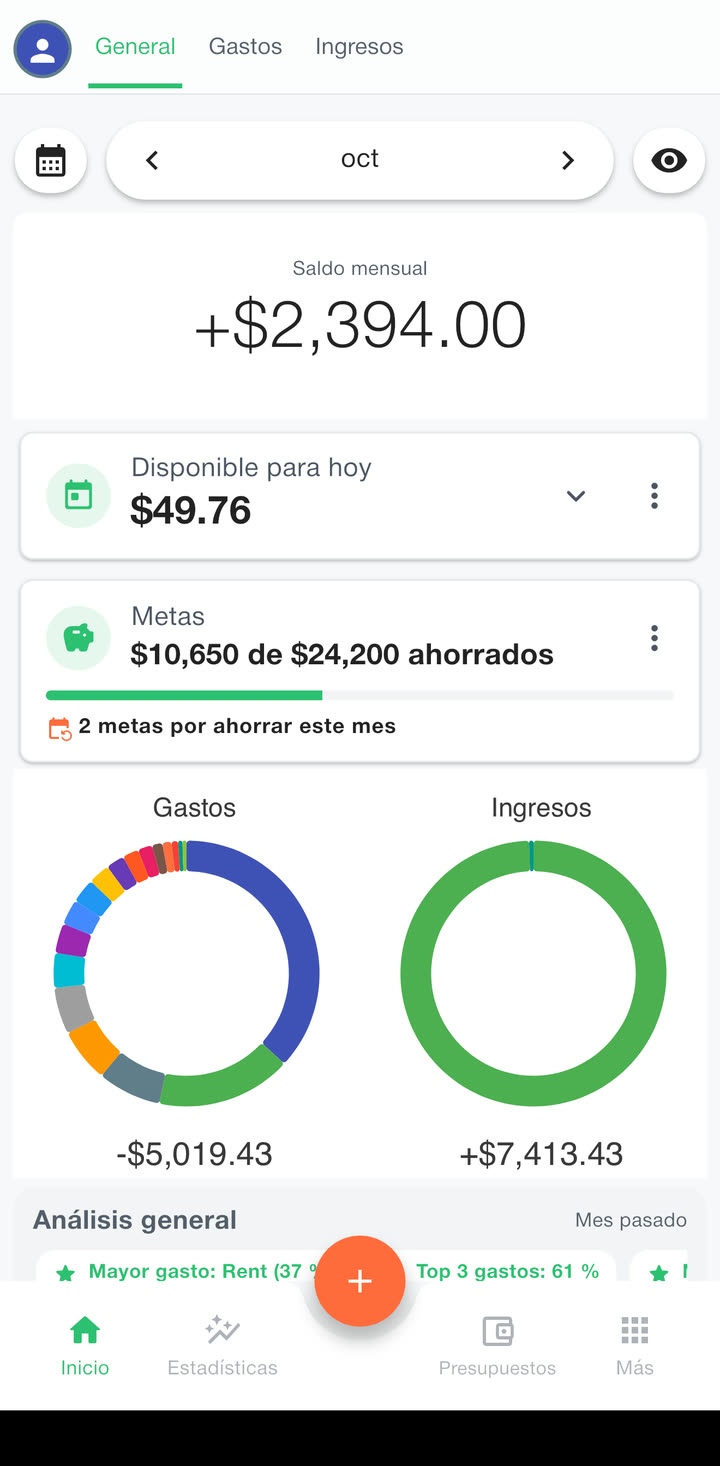
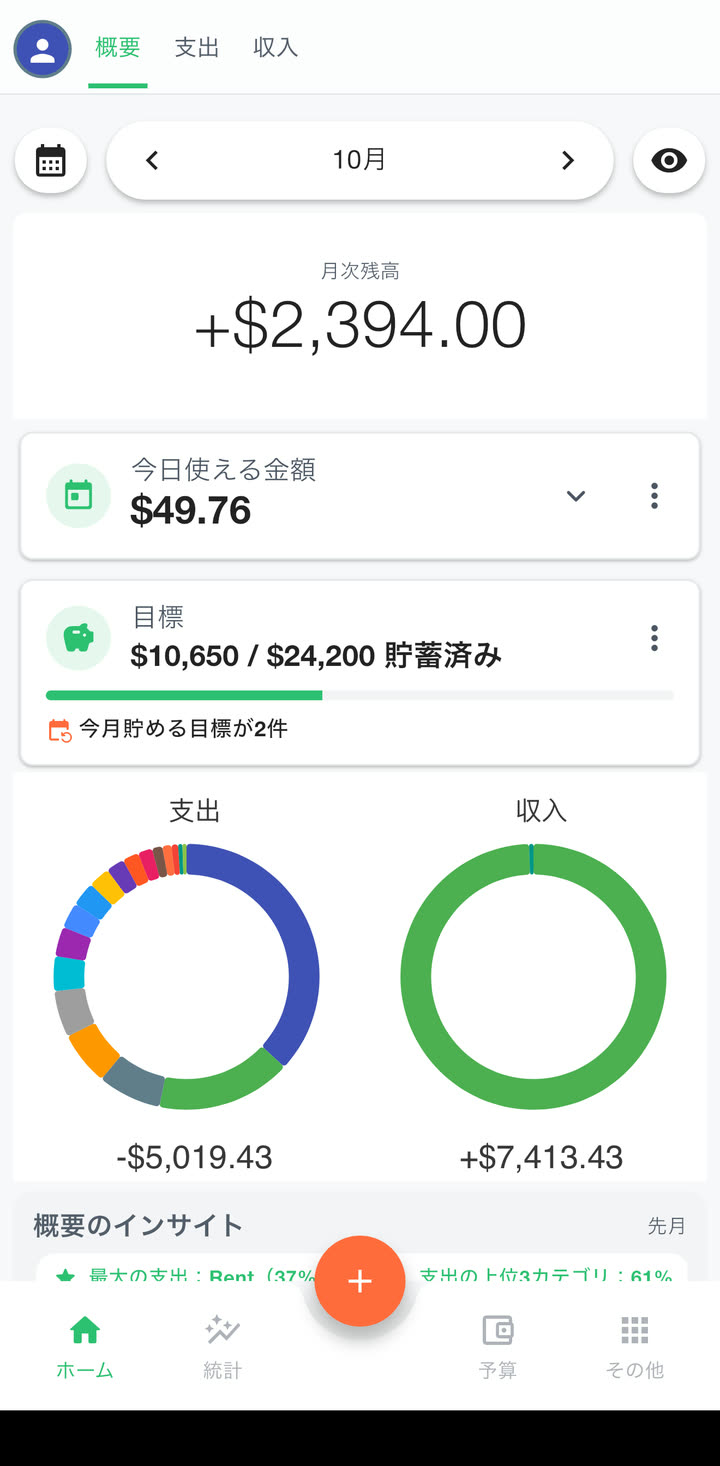
Budget Buddy comes in 26 languages and works with 121 currencies, in the number format you are used to.
Change the main currency later and the app can convert every amount at today’s rate, or at a rate you type in, which helps after a move abroad.
Free on iPhone and Android
No account to make. Install it, pick your currency and log the first purchase.