 Budget Buddy
It stays onyour phone
There is no account to make and no server of ours. Your purchases, budgets, goals and receipt photos stay on your phone, and we never receive them.
Four facts
Transactions, budgets, goals and settings are stored on your phone, and in your own Google Drive or iCloud if you turn on cloud backup.
Nothing to sign up for and no email address to give. Open it and start.
The free version shows Google ads, and Google collects some device and ad data for them. Premium has no ads.
Google Analytics counts which features get used, never your amounts, notes or names. It tells us what to improve.
All of this stays here
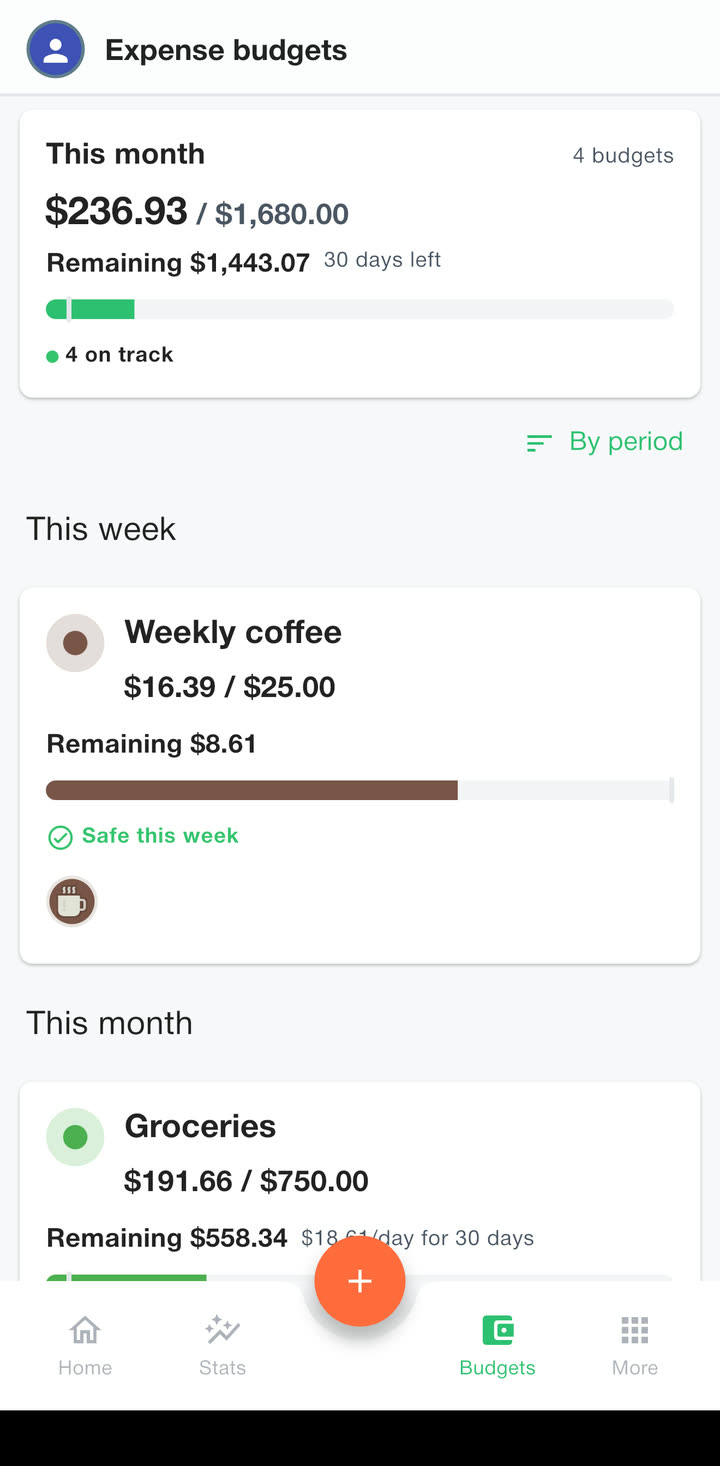
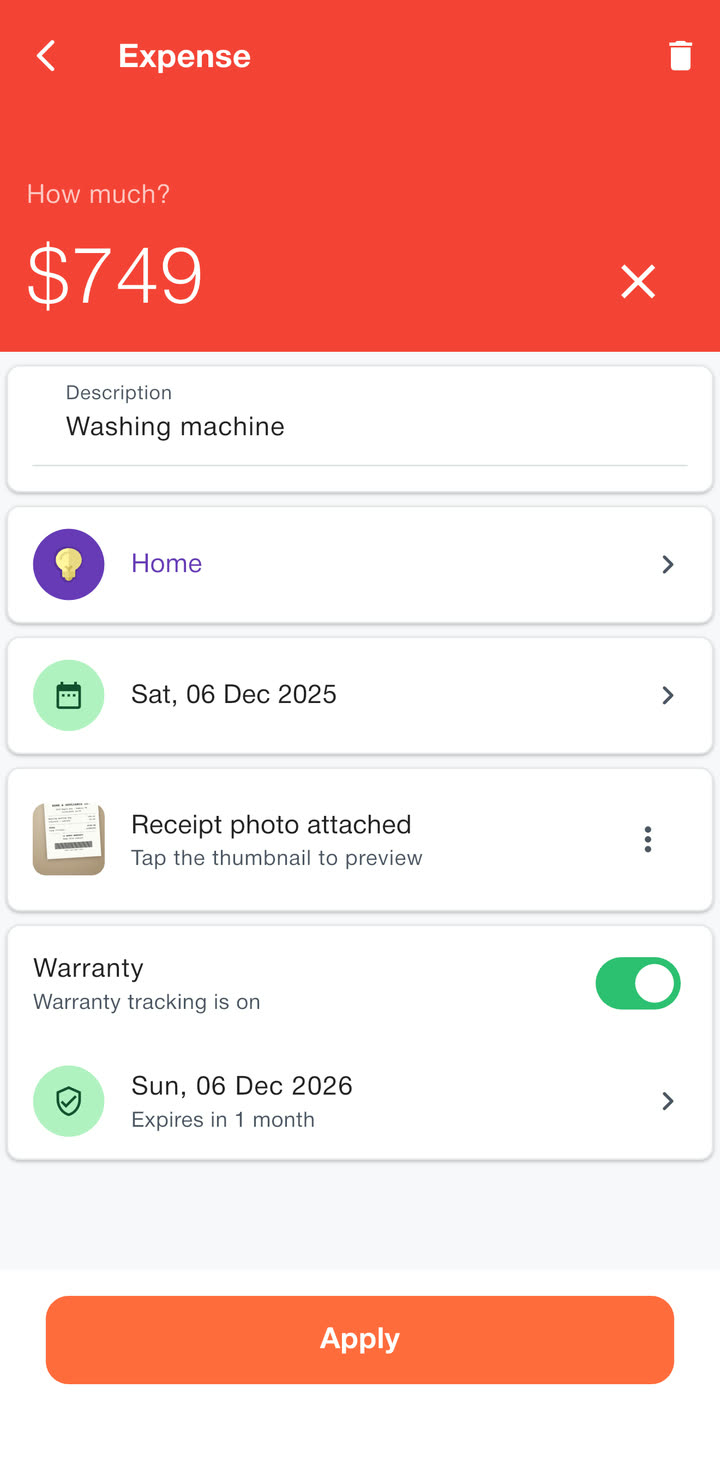
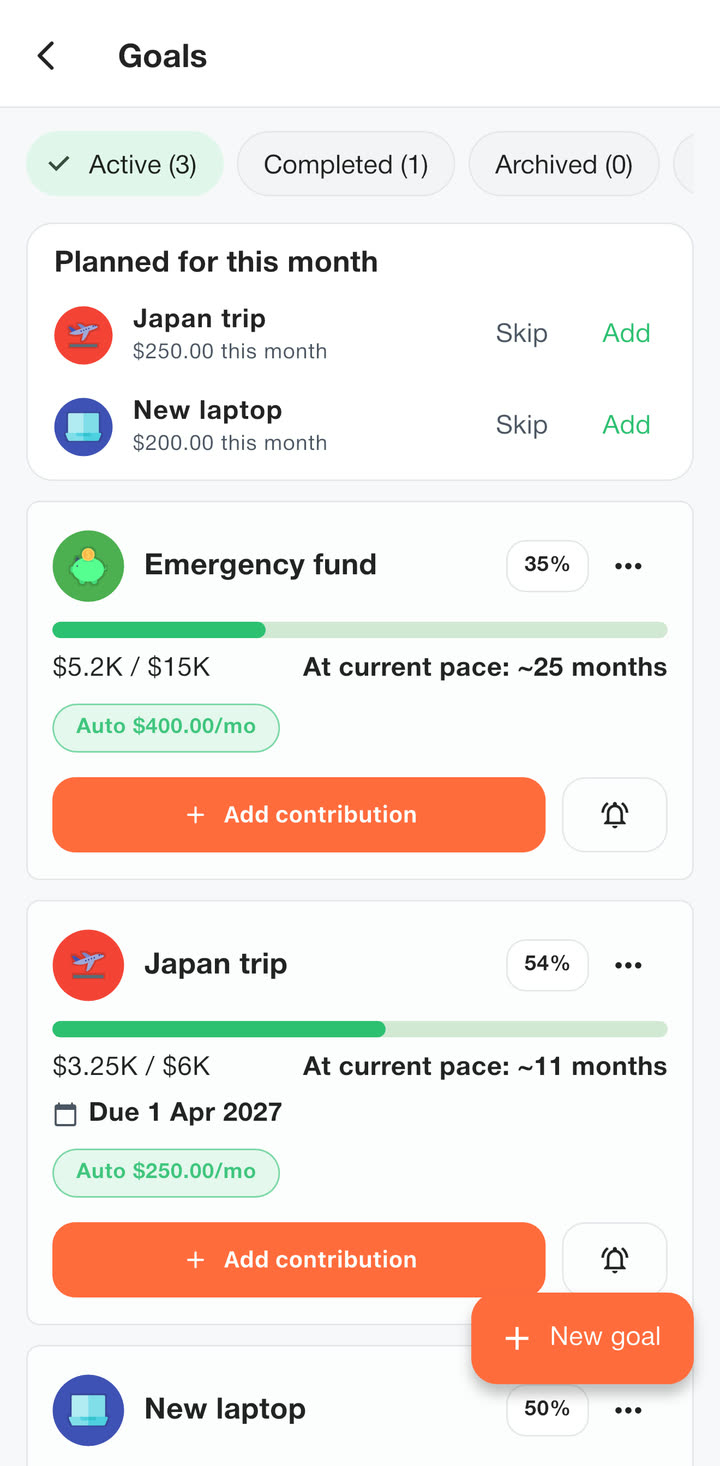
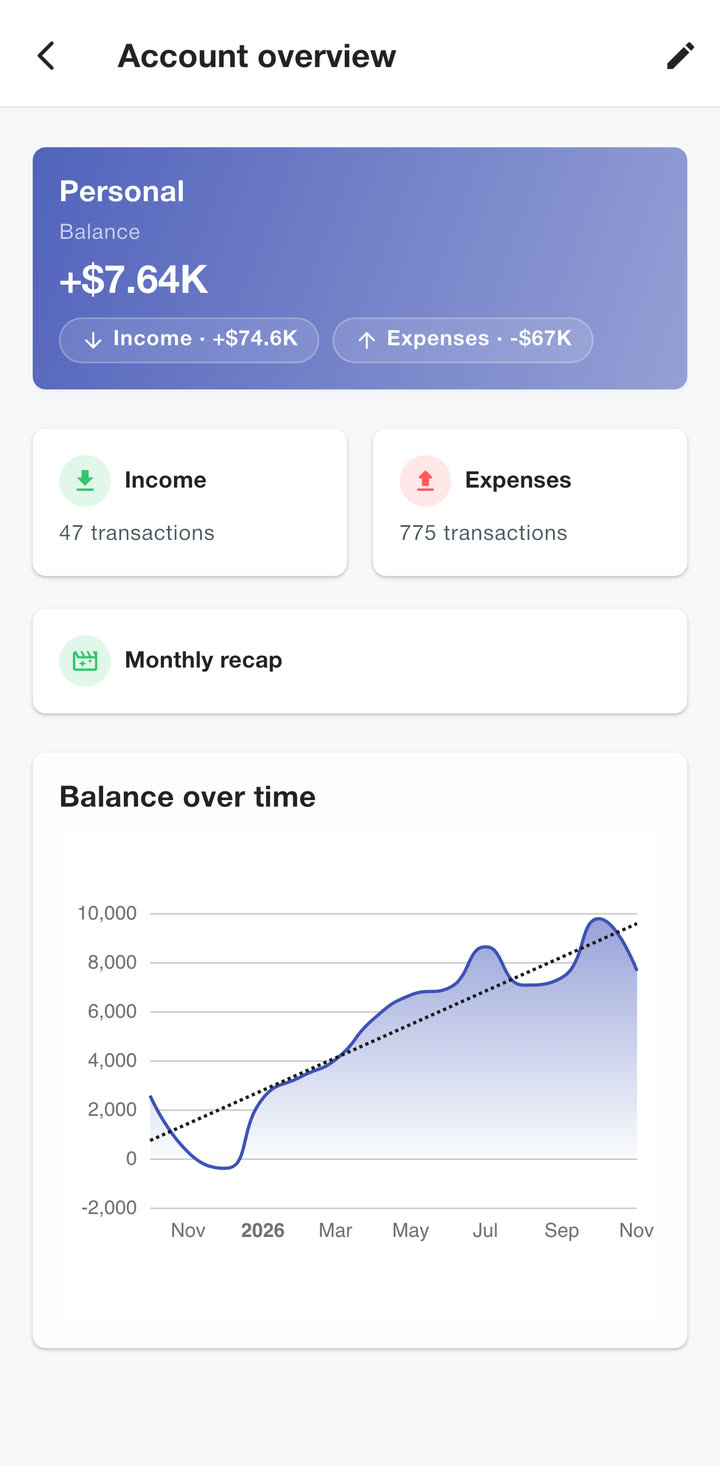
Every purchase, budget, goal, receipt photo and chart you see in the app is read from the phone itself.
Lock it
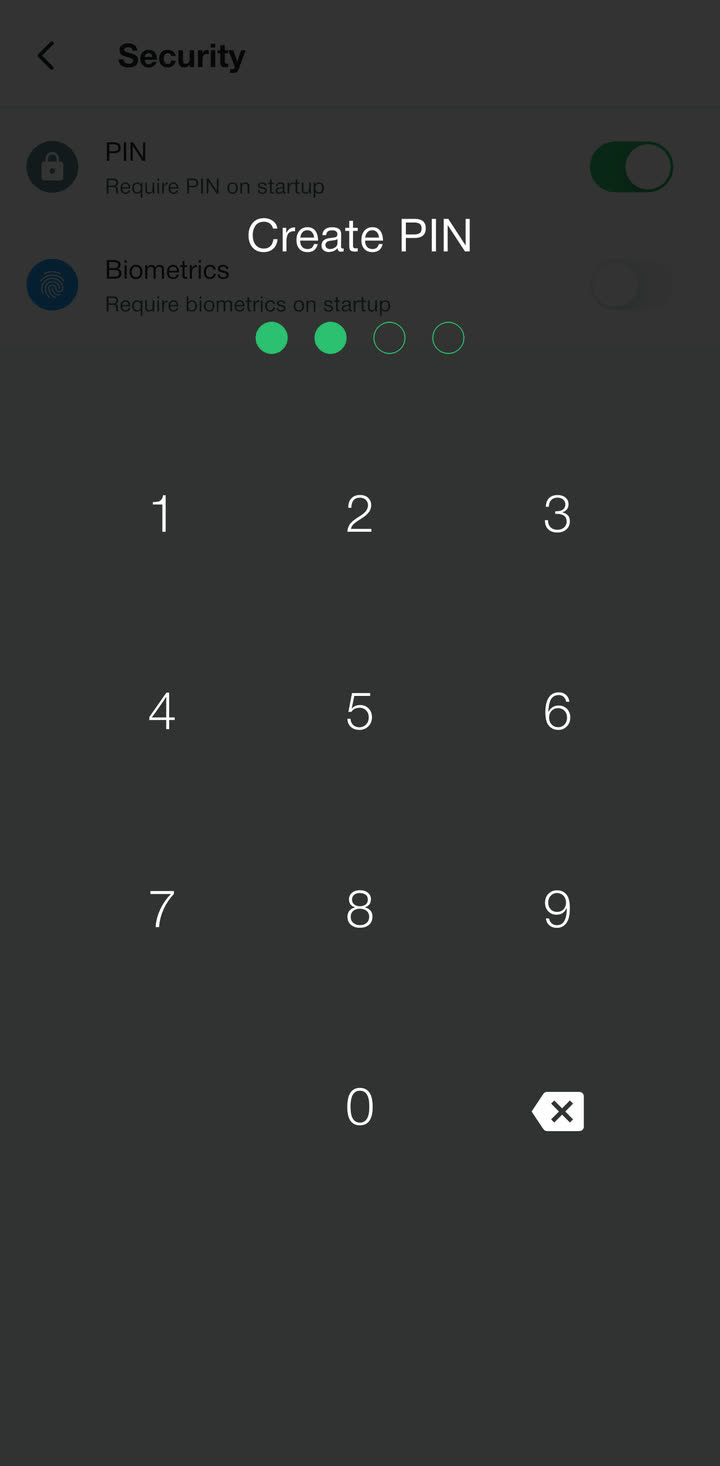
Turn on a PIN, and your phone’s biometrics if you like, and Budget Buddy asks for them every time it opens.
Face ID or Touch ID on iPhone, fingerprint or face recognition on Android, whichever your phone has. Your phone does the check itself, and nothing about your face or finger reaches the app.
Back it up, every day
Turn on cloud backup and the app saves a copy to your own Google Drive or iCloud once a day. On a new phone, restore it in a couple of taps.
Only Budget Buddy can read that copy, and it goes from your phone straight to your account, never through us. You can also have a backup saved to a folder every week, or send a copy to your mail. Your phone’s own iCloud or Google backup may include the app’s data too, depending on your phone’s settings.
Take it with you, or wipe it
Export everything to one file and load it again whenever you like, or bring in your history from a bank or spreadsheet.
The same screen deletes all your data, or all data and settings, in one go.
- ExportEverything, in one file
- ImportLoad a backup
- CSV importBank or spreadsheet rows
- Delete all dataOr data and settings
What does use the internet
The app works offline. It goes online for ads, anonymous usage statistics, Premium, exchange rates and cloud backup. Only the backup carries your entries, and it goes to your own Google Drive or iCloud.
The free version shows ads from Google AdMob. Google collects device and advertising identifiers, an approximate location from your IP address, ad interactions and diagnostics to serve them. In the EEA, the UK and Switzerland, Google’s consent form asks first, and Ad privacy choices in Settings lets you change your answer later. The iPhone app never shows Apple’s tracking prompt, so it never reads your advertising identifier.
Google Analytics records which screens and features are used, rough counts such as how many budgets you have, and your device type, language and country. It never gets your amounts, notes, names or receipt photos, and it isn’t linked to you or used for ads.
Premium is bought and restored through the App Store or Google Play. When you convert your amounts to another currency, the app asks for today’s European Central Bank rate and sends only the two currency codes. Offline, you type the rate yourself.
Premium removes the ads. Your transactions, categories and budgets never reach us; a backup leaves the phone only when you share it or turn on cloud backup.
- AdsGoogle AdMob, free version only
- Ad consentGoogle’s form, in the EEA, UK and Switzerland
- Usage statisticsGoogle Analytics, never your entries
- PremiumApp Store or Google Play
- Exchange rateOnly when you convert amounts
- Cloud backupYour own Google Drive or iCloud, when on
Policies
- Privacy policy, with everything above in full
- Terms of use
- Apple’s standard licence agreement (EULA)
Free on iPhone and Android
No account to make. Install it, pick your currency and log the first purchase.