 Budget Buddy
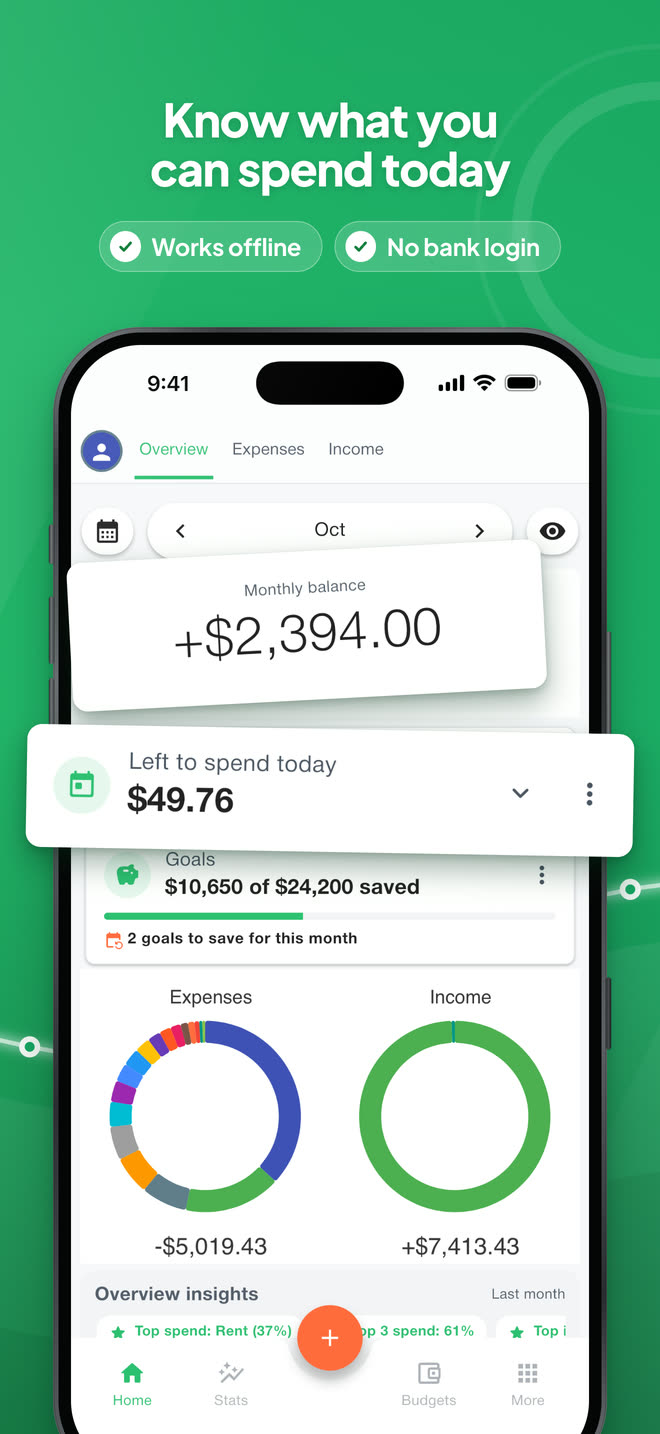
Know what youcan spend today
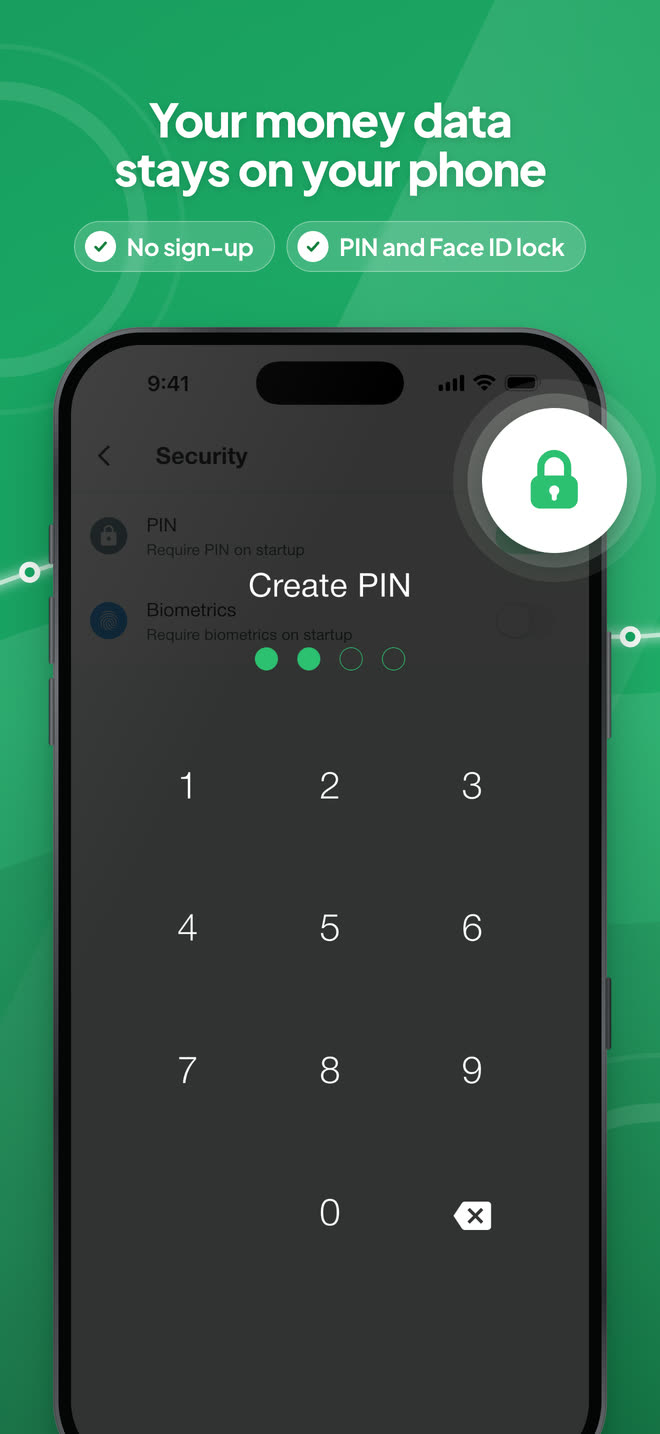
Budget Buddy is a free expense tracker and budget planner for iPhone and Android. It needs no account and no bank login, works offline, and keeps your entries on your phone.


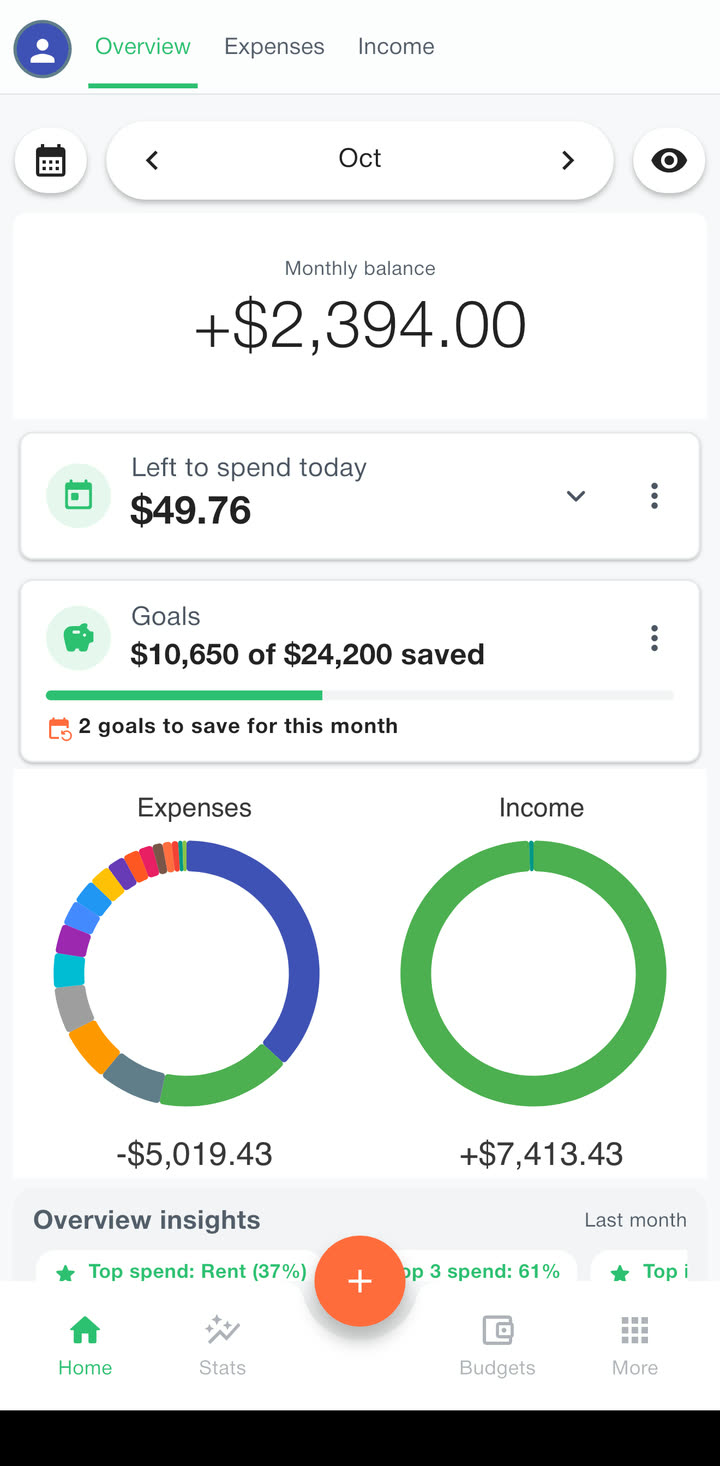
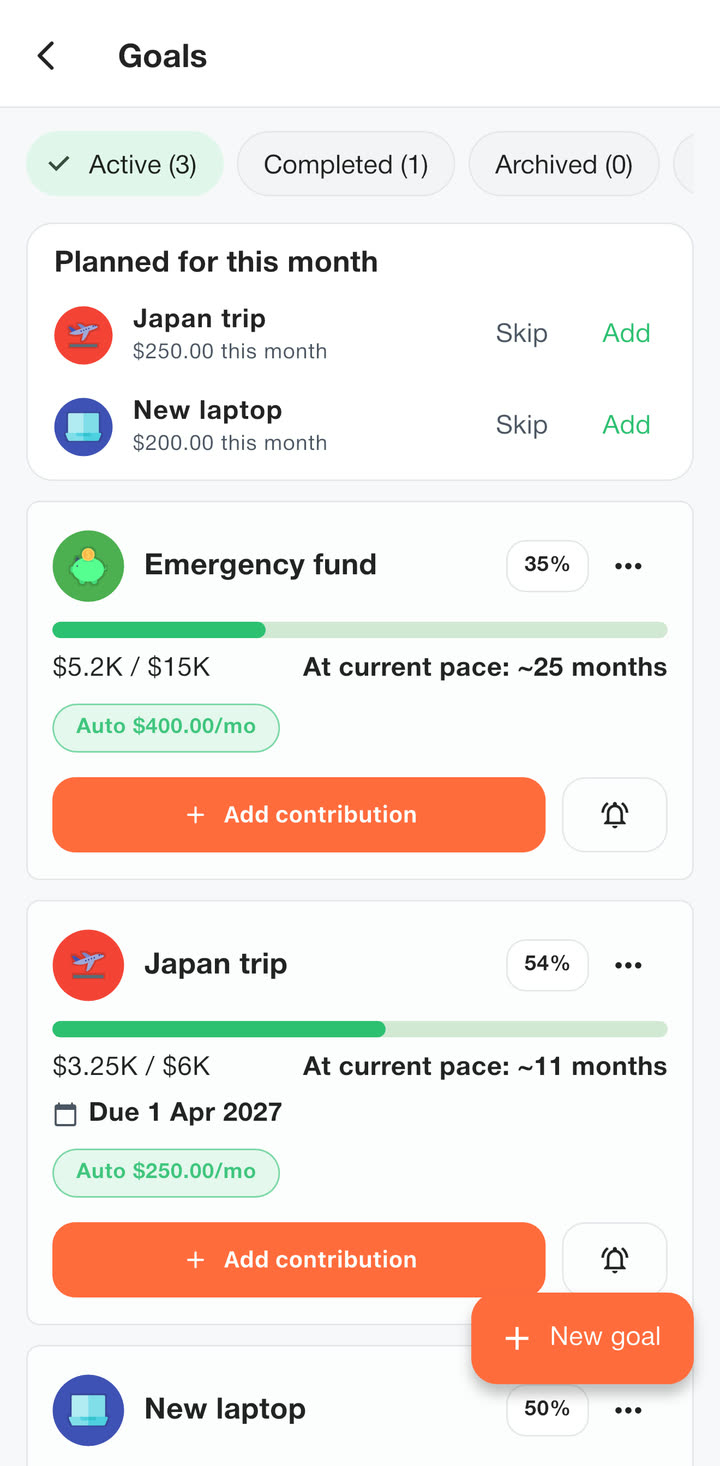
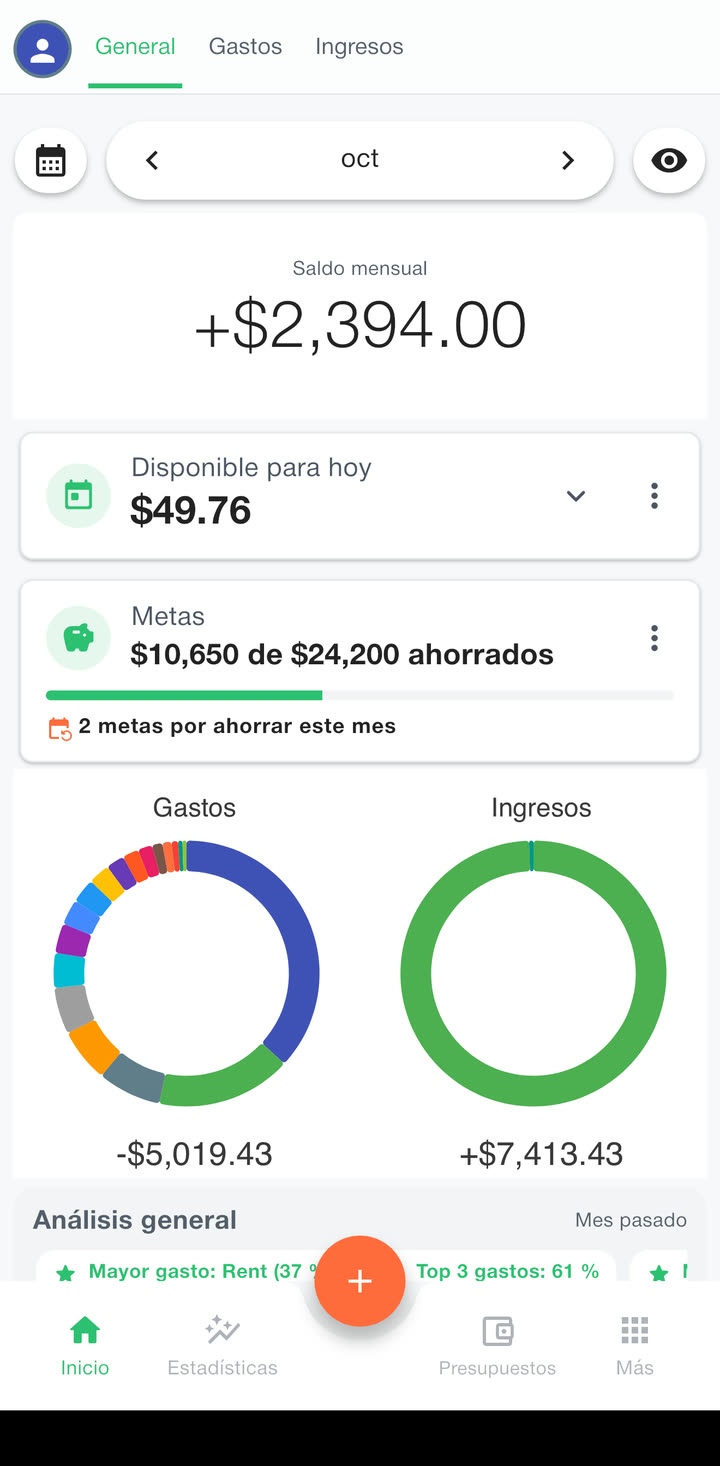
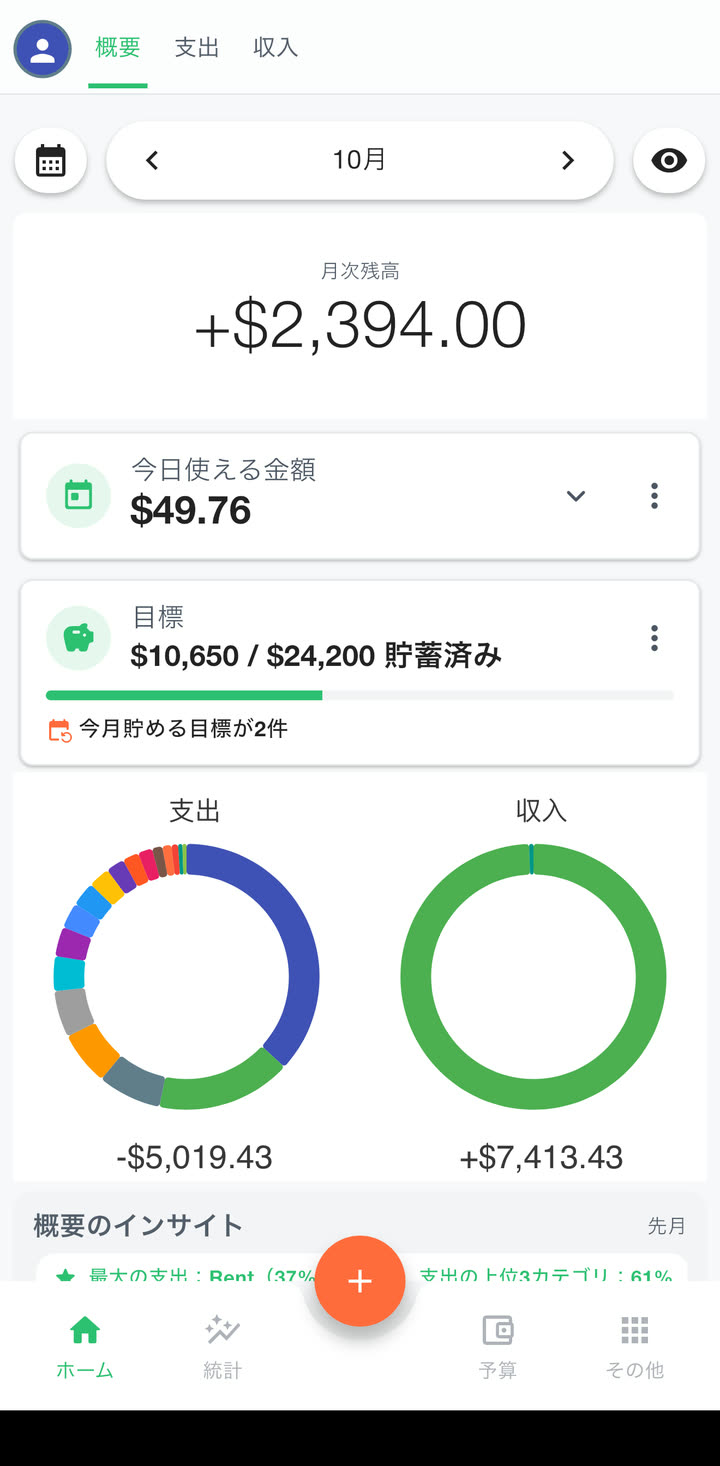
2 goals to save for this month
Overview insightsLast month
 Paycheck3 transactions+$7,373.96
 Rent1 transaction−$1,850.00
 Groceries11 transactions−$825.32
Made for the money questions you have every day
Half a minute of the app
Know what you can spend today, check a budget before you pay and catch a subscription when its price goes up.
Inside the app
Swipe through the screens you’ll use every day.
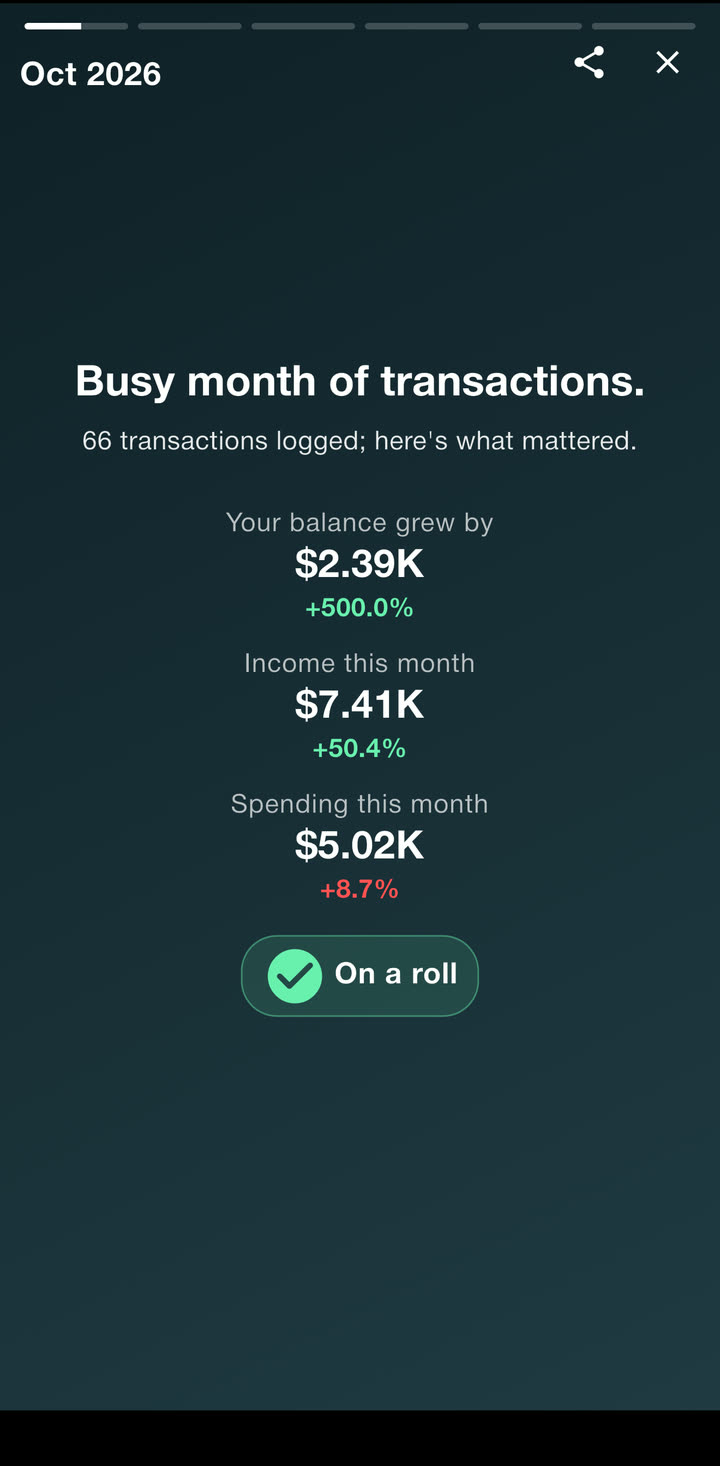
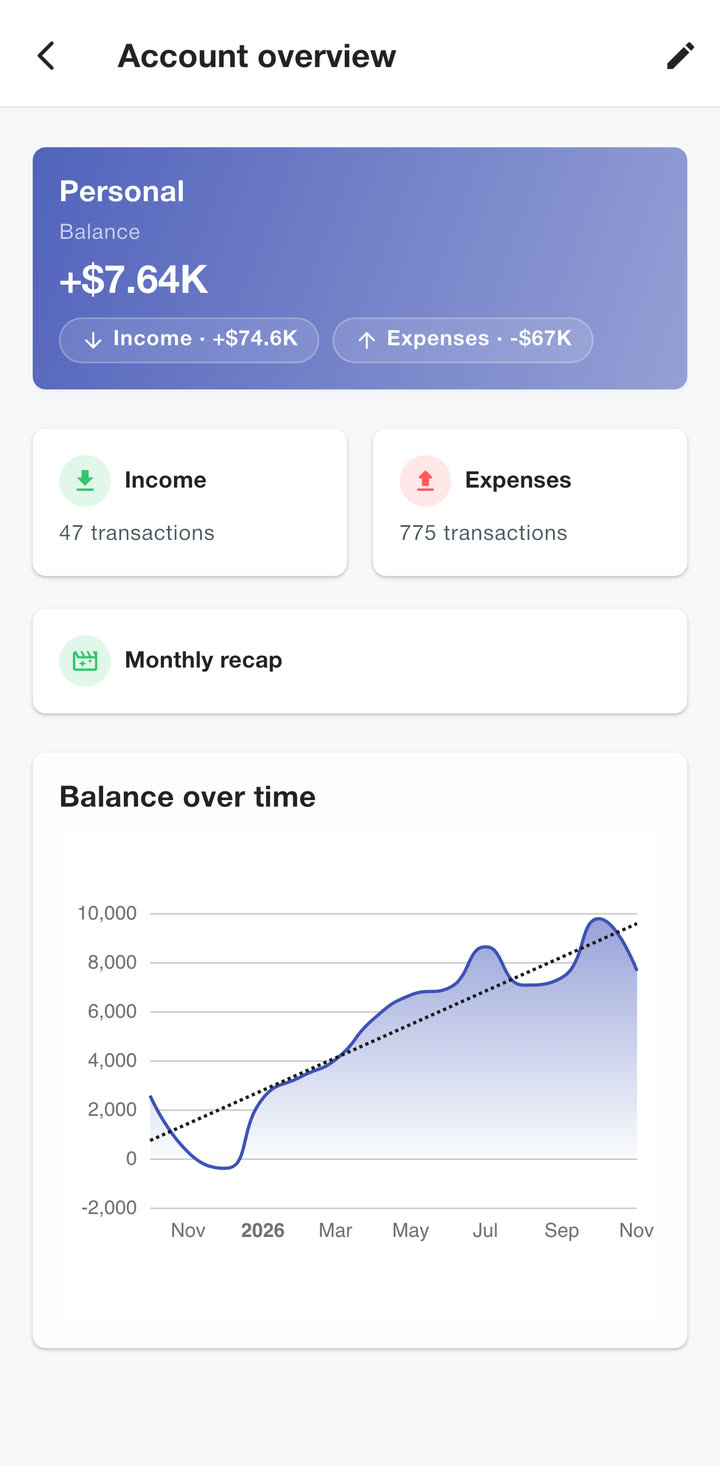
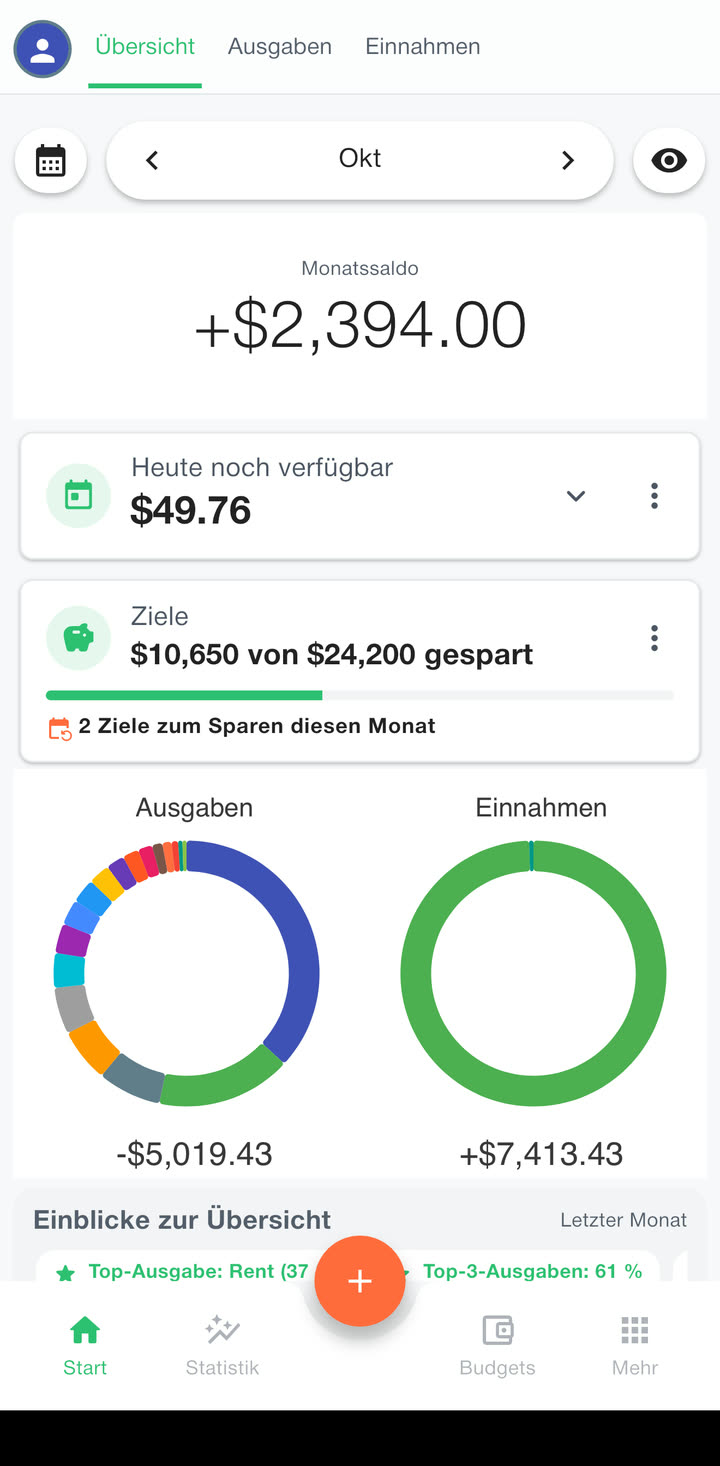
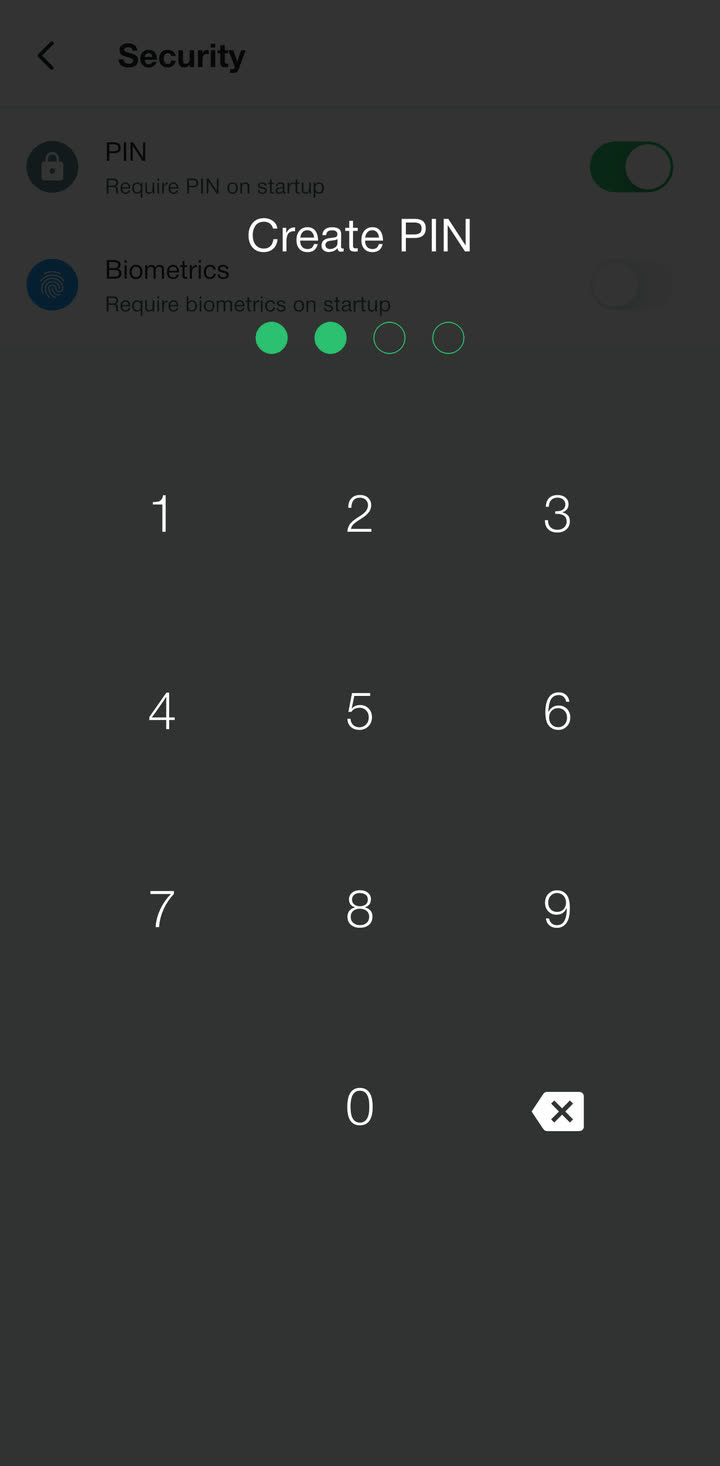
Home
Your balance, what you can still spend today and this month’s goals. Swipe the card to see a day, a week or the whole year.
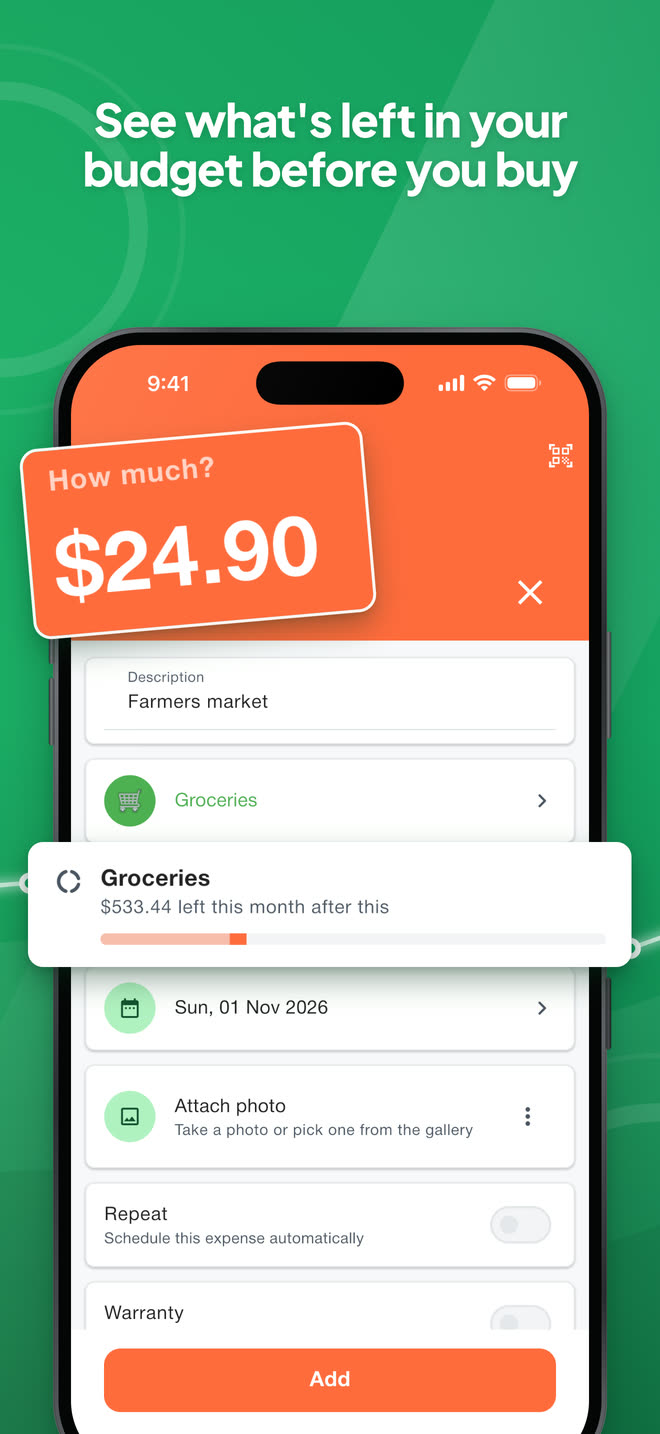
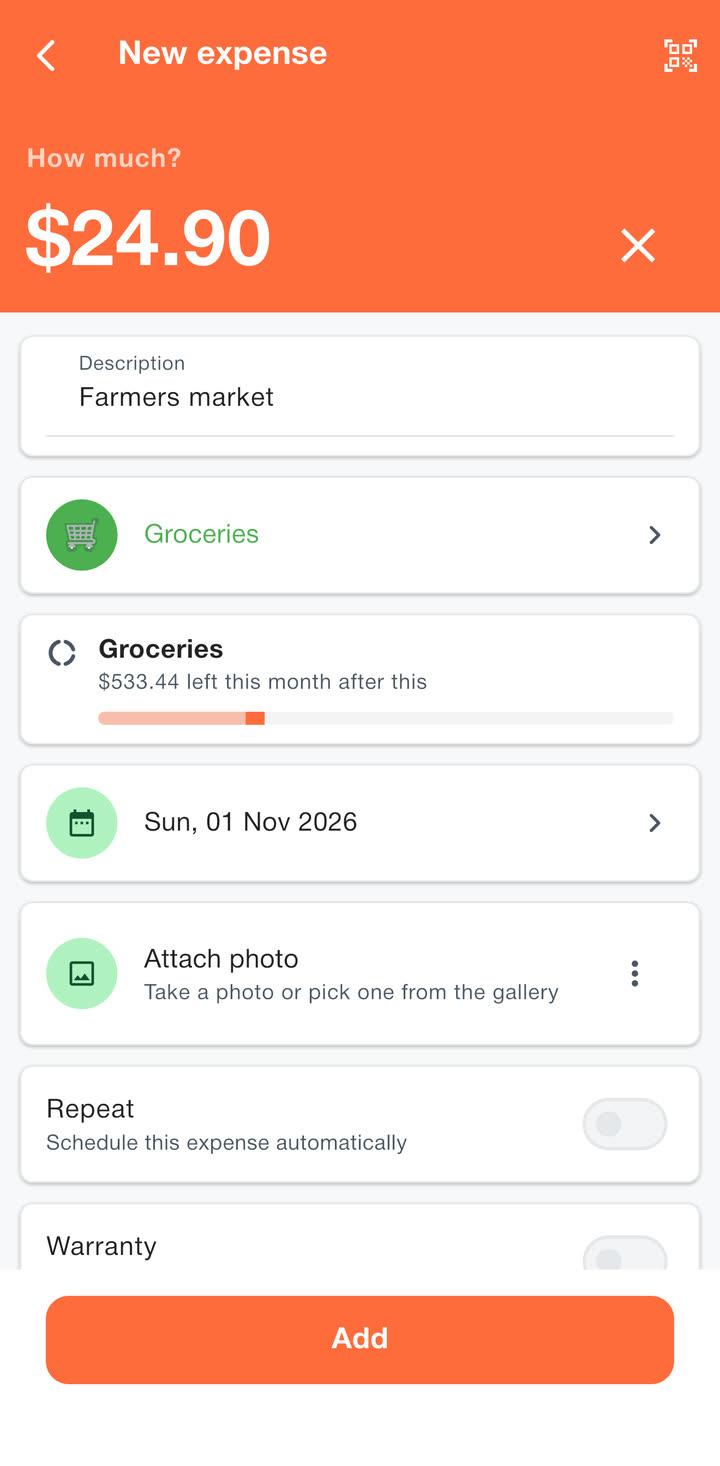
One purchase, four steps
Type the amount.
GroceriesFarmers market−$24.90Pick its category.
See what’s left before you save.
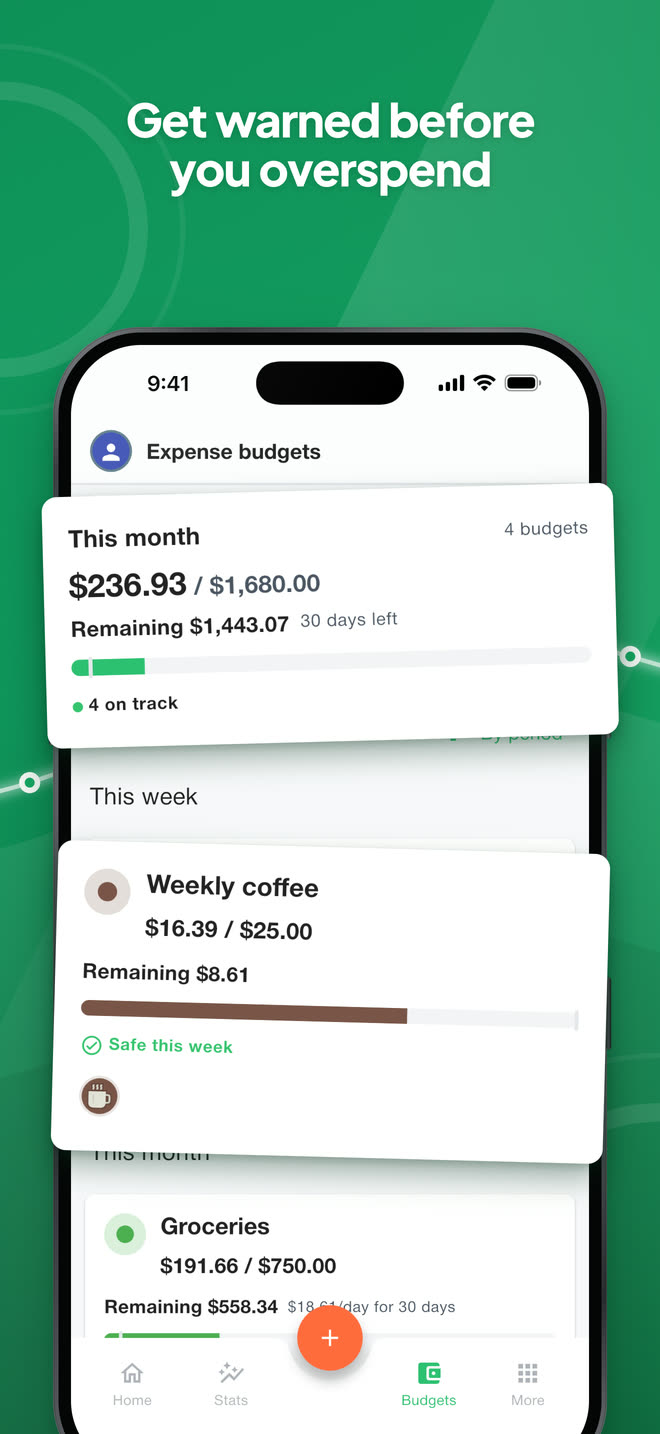
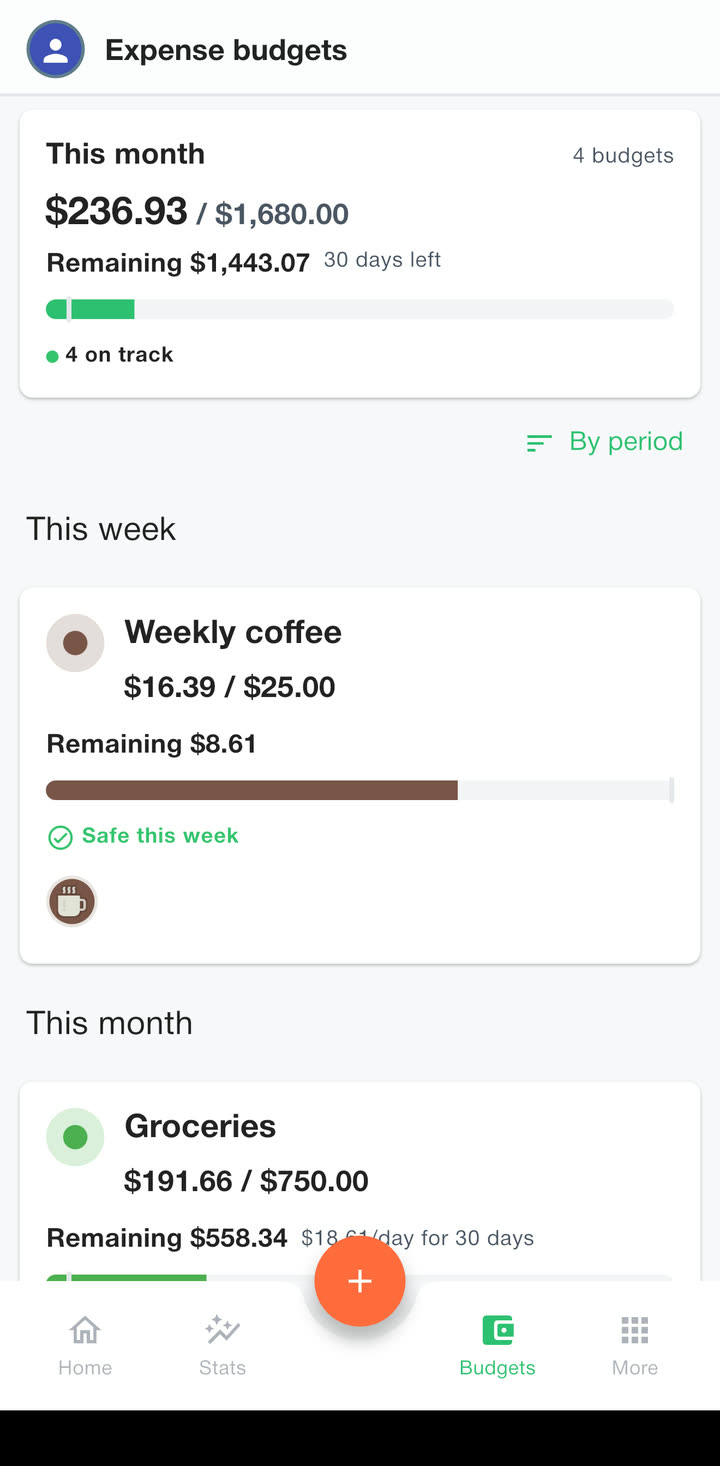
And every budget keeps up.
What else it does
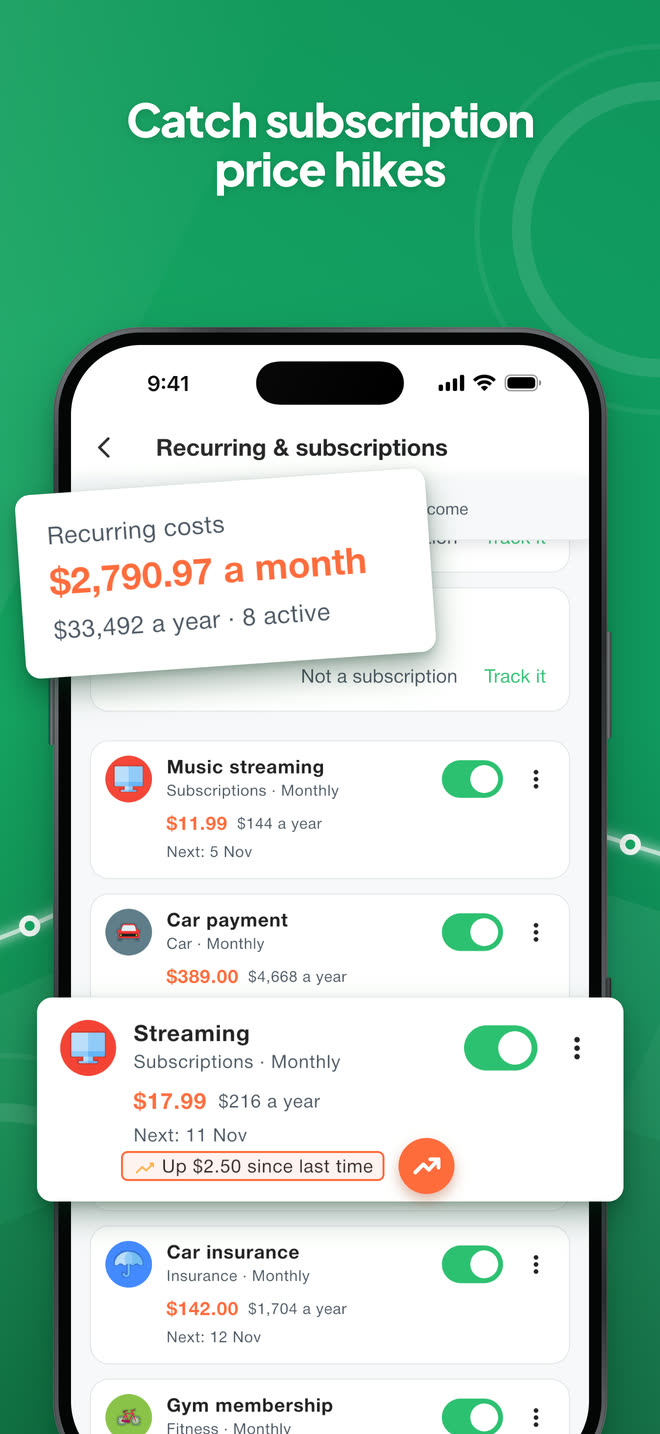
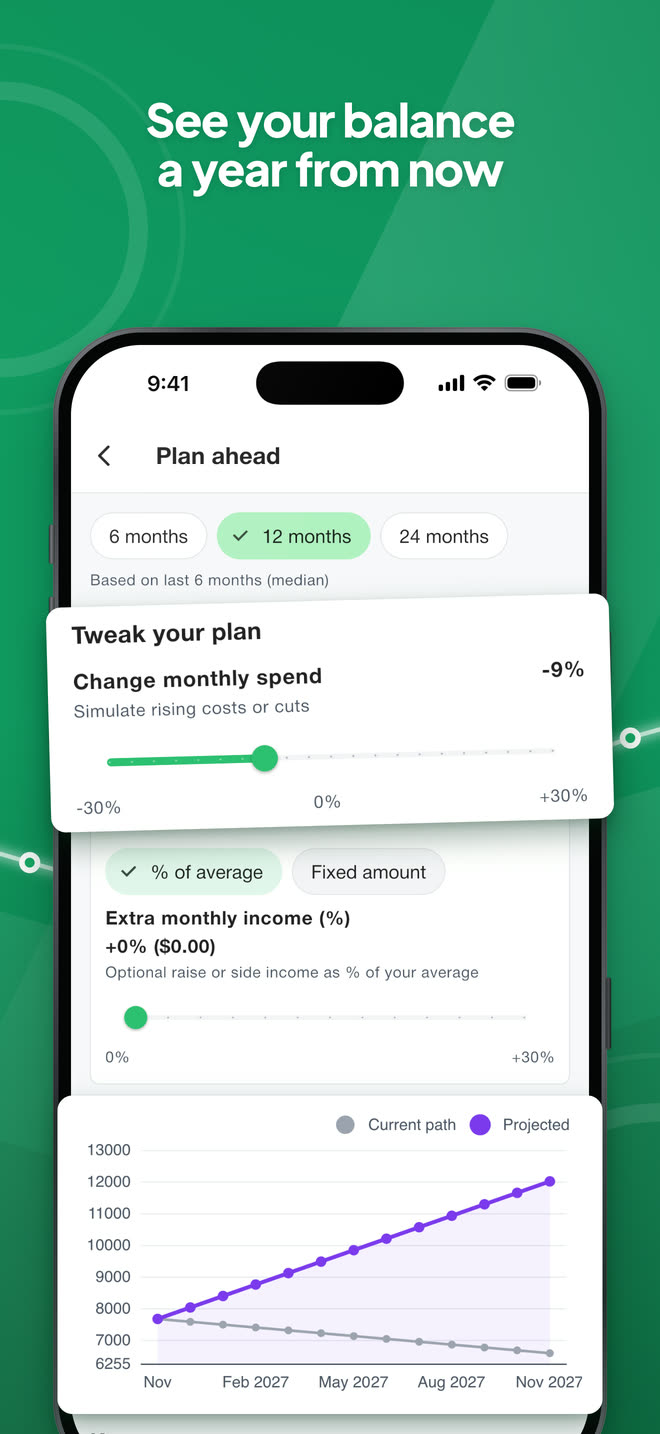
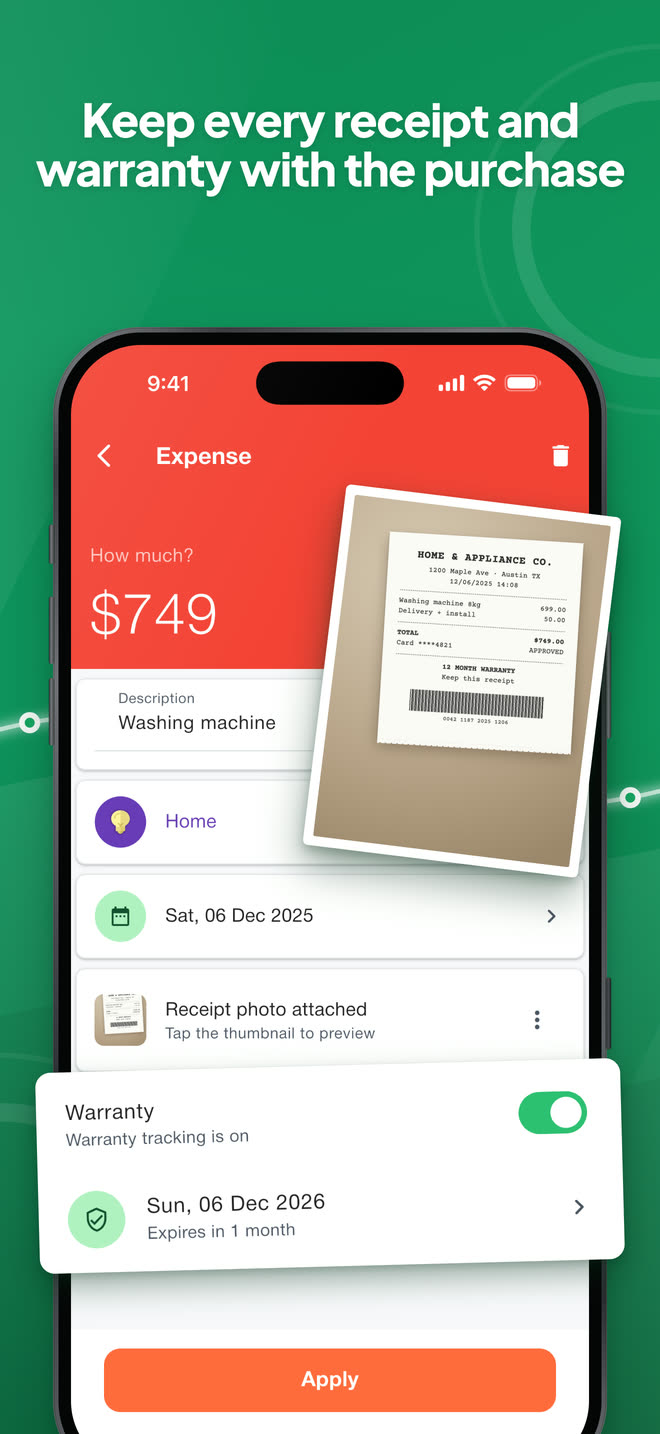
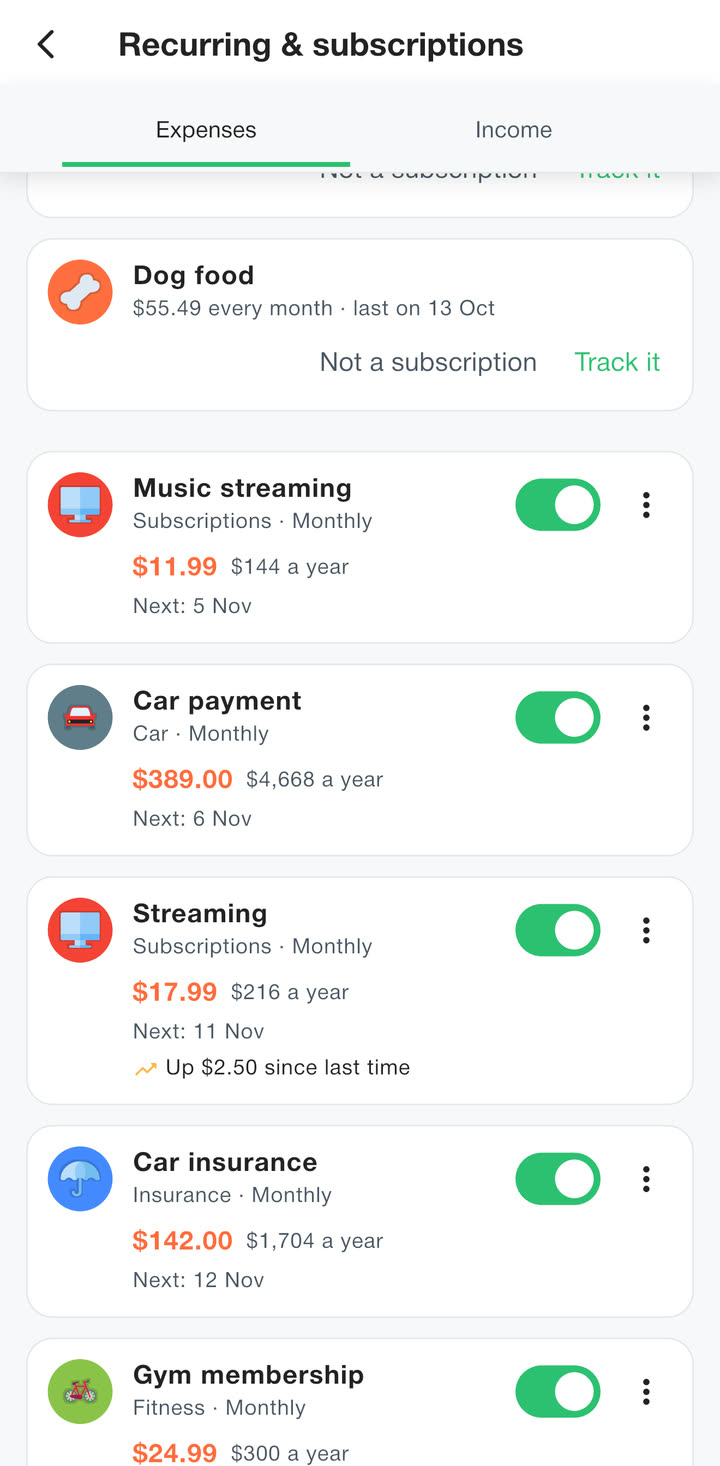
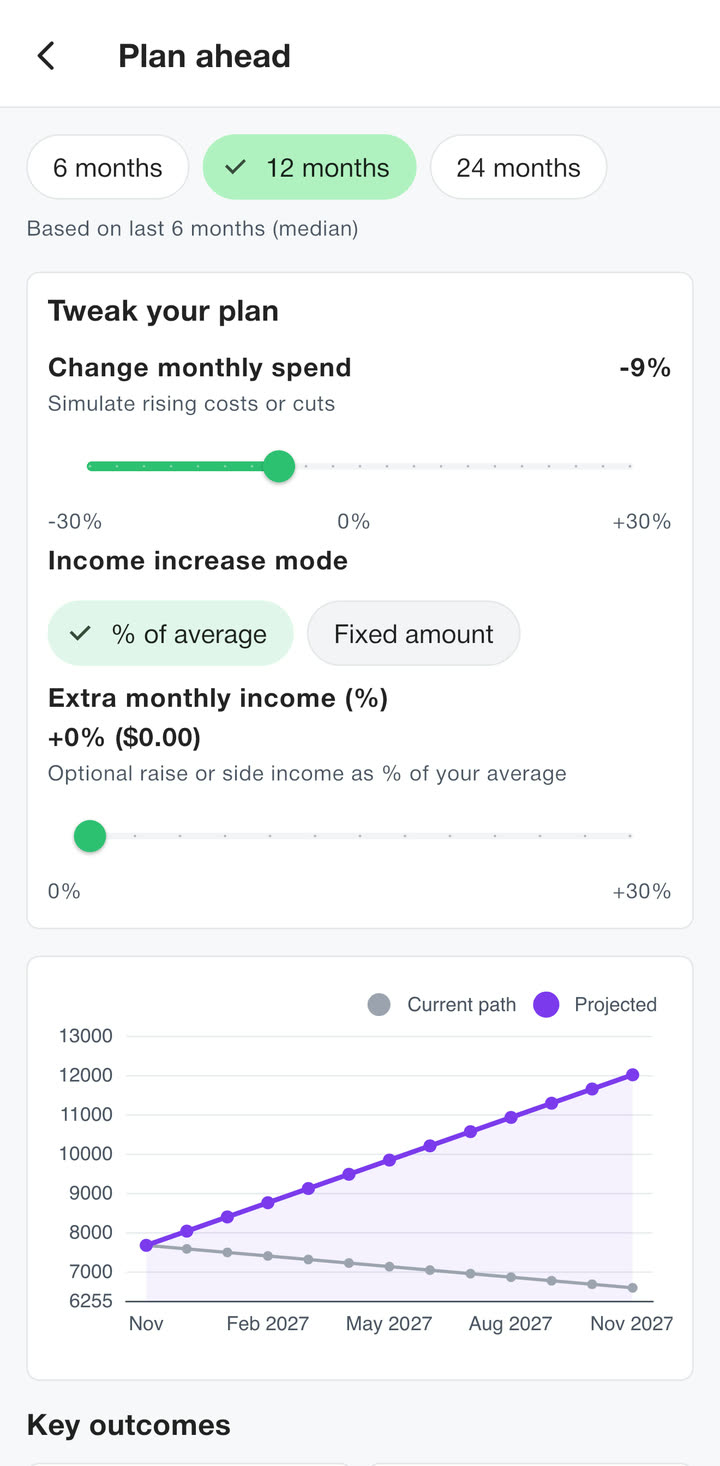
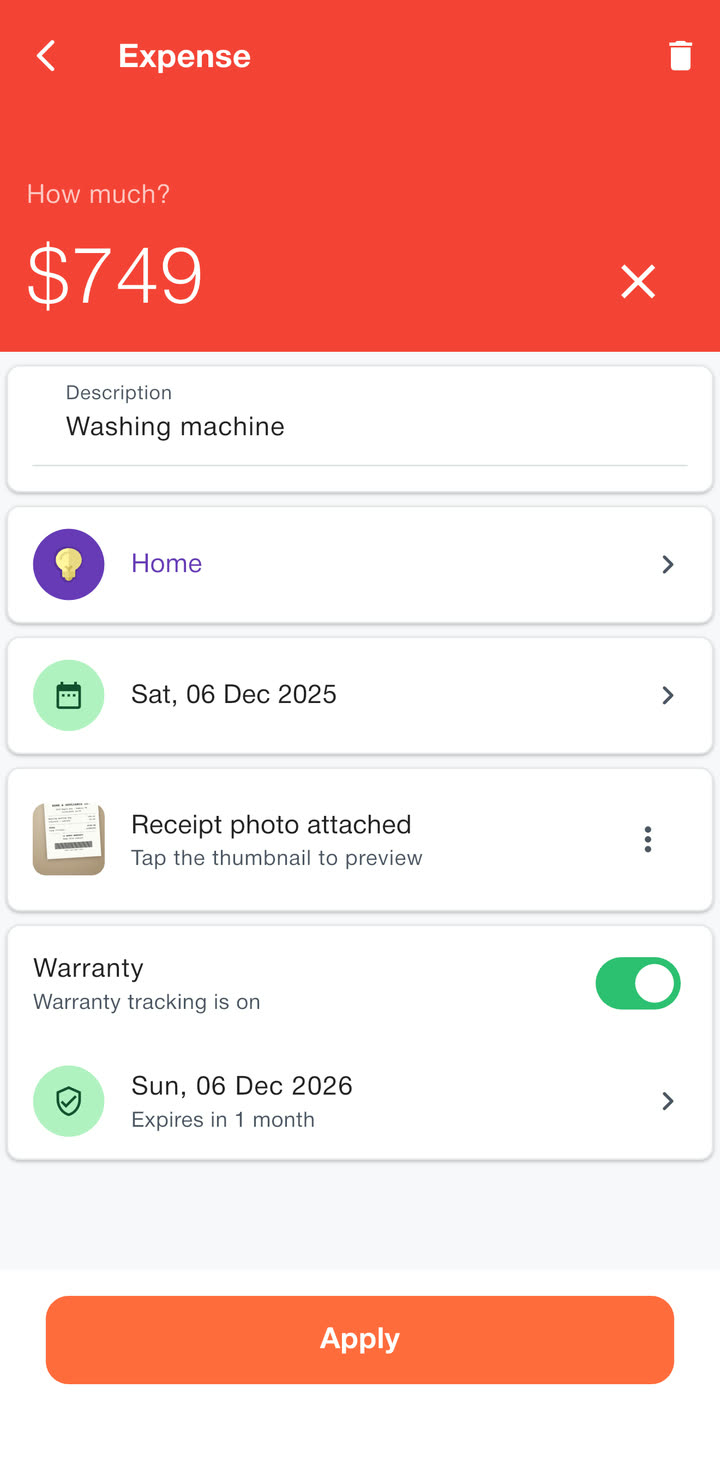
When a subscription costs more than last time , you see it. The receipt and the warranty stay with the purchase , Plan ahead shows your balance a year from now , and the app opens only for you .
Bill QR scanning, CSV import, spending alerts, savings goals, several accounts and daily cloud backups come with it. Each has its own page.
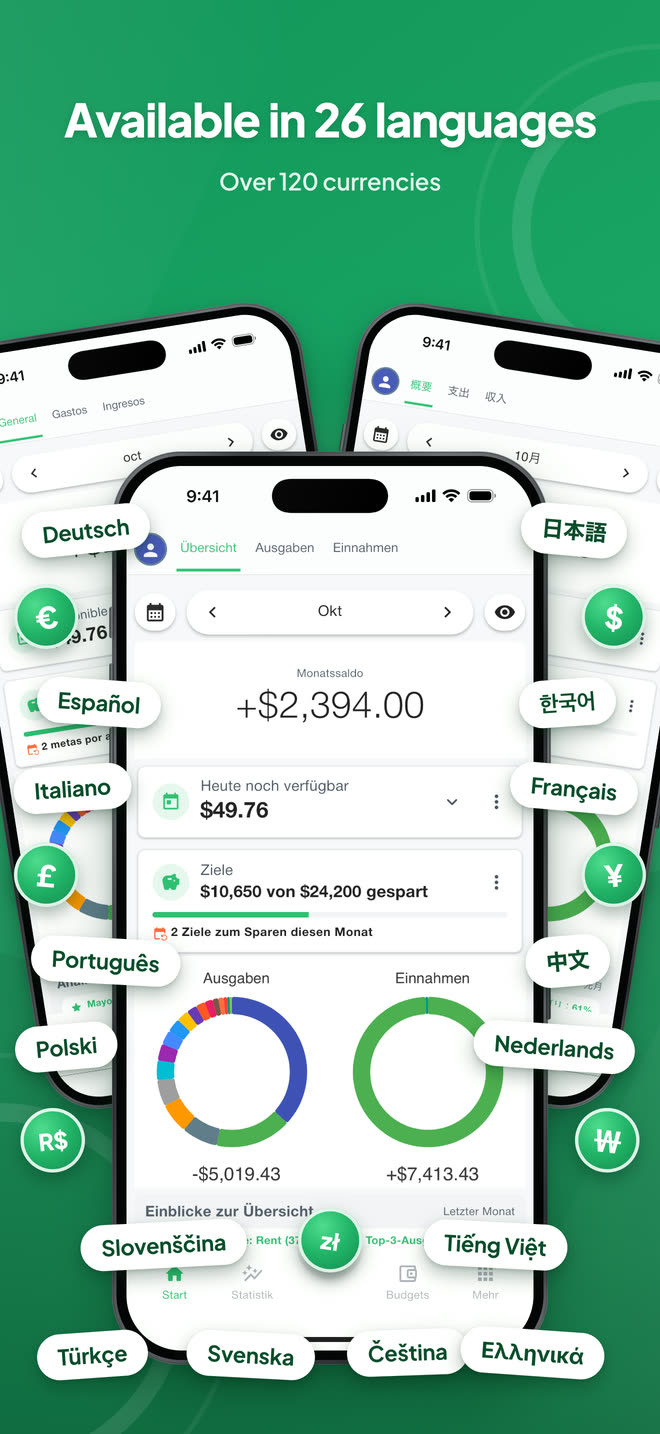
languages, one app
More about each part
Questions
Yes, it is free with ads. Premium is an optional yearly subscription, 9.99 $ on the App Store or 10.99 $ on Google Play in the US, that removes the ads and the free limits.
No ads, bill scanning, repeating payments, smart insights, and no limits on accounts, budgets or categories. Compare
On your phone. There is no account and no server of ours, so your entries never reach us. If you turn on cloud backup, a copy goes to your own Google Drive or iCloud. The free version shows Google ads, and Google receives some device data to show them. Privacy policy
No, and it never asks for a bank login. You log purchases yourself, scan the QR code on a bill, or import a CSV file from your bank or a spreadsheet.
26 languages, from English, Spanish and German to Japanese, Thai and Slovenian, and 121 currencies. The app uses one currency at a time. When you switch, it can convert your amounts at today's rate.
Not side by side: there is no sync. To move to a new phone, restore your Google Drive or iCloud backup, or share a backup file from one phone and load it on the other.
It is made for iPhone and for Android phones and tablets. Apple also offers the iPhone version on Macs with Apple silicon, marked as not verified for macOS.
Yes, it is free with ads. Premium is an optional yearly subscription, 9.99 $ on the App Store or 10.99 $ on Google Play in the US, that removes the ads and the free limits.
No ads, bill scanning, repeating payments, smart insights, and no limits on accounts, budgets or categories. Compare free and Premium
On your phone. There is no account and no server of ours, so your entries never reach us. If you turn on cloud backup, a copy goes to your own Google Drive or iCloud. The free version shows Google ads, and Google receives some device data to show them. Read the privacy policy
No, and it never asks for a bank login. You log purchases yourself, scan the QR code on a bill, or import a CSV file from your bank or a spreadsheet.
26 languages, from English, Spanish and German to Japanese, Thai and Slovenian, and 121 currencies. The app uses one currency at a time. When you switch, it can convert your amounts at today's rate.
Not side by side: there is no sync. To move to a new phone, restore your Google Drive or iCloud backup, or share a backup file from one phone and load it on the other.
It is made for iPhone and for Android phones and tablets. Apple also offers the iPhone version on Macs with Apple silicon, marked as not verified for macOS.
Free on iPhone and Android
There is nothing to sign up for and no bank to connect. Premium is an optional yearly subscription that removes the ads and the free limits.